The Best Free Journaling Apps in 2026
The best free journaling apps in 2026 — Apple Journal, OwnJournal, Day One, Daylio, and more compared on what each free tier really includes.
Updated on: July 21, 2026
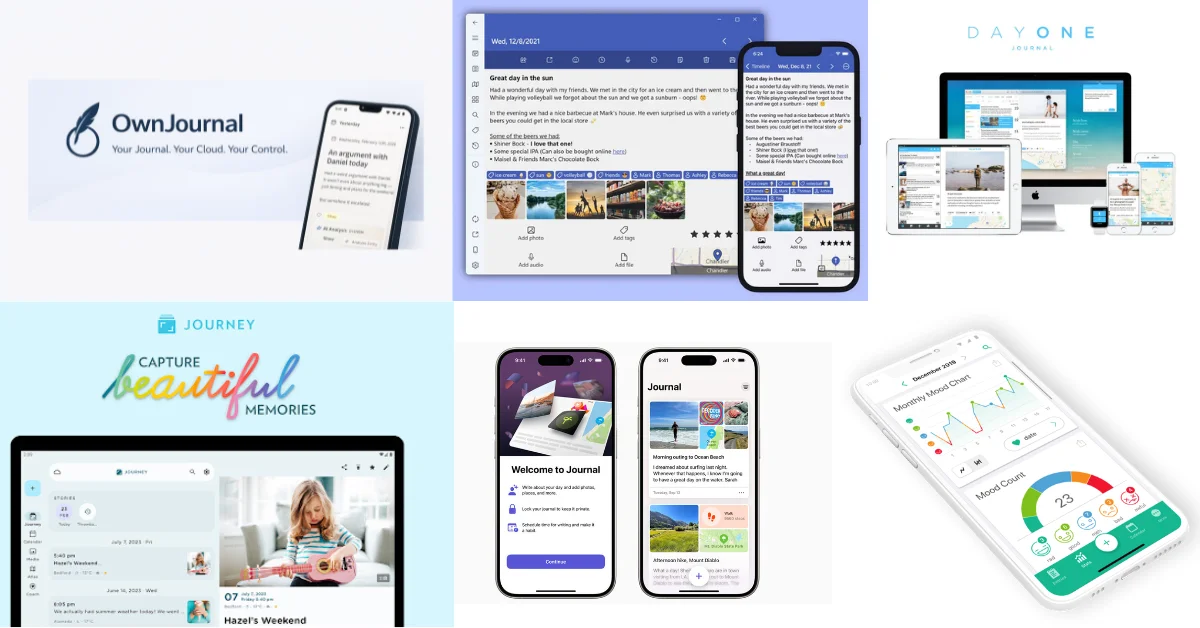
The Free-Tier Winners
- 🍎 iPhone / iPad / Mac: Apple Journal — no premium tier exists
- 🔒 Android / web with privacy: OwnJournal — optional E2EE, no device limit, data in your cloud
- ✍️ One-device polish: Day One Basic — E2EE, tags, On This Day, export — all free
- 📊 Mood tracking without writing: Daylio — two taps a day, free forever on mobile
- 📄 Plain text forever, no lock-in: Obsidian — standard Markdown files, all platforms
The right choice depends on which device you use, whether you need end-to-end encryption, and how much setup you are willing to do.
Jump to: Full comparison table · Warnings · Paid apps roundup
Most “best free journaling apps” articles bury the free-tier details in a footnote. This one starts there.
“Free” means something different depending on which app you are looking at. Apple Journal is genuinely free — no premium tier exists. Day One’s free tier gives you unlimited entries but locks you to one device. Journey’s free tier limits you to 60 entries and removes text formatting. Penzu offers unlimited entries but no end-to-end encryption. These are not equivalent. Choosing the wrong one means either hitting a wall after a few months, or discovering that the provider can decrypt your most personal writing.
This article covers seven apps in detail. For a broader look across paid and free, see our full journaling app roundup.
The three types of “free”
💚 Genuinely free — no premium tier at all, or no meaningful restrictions for everyday journaling. Use it indefinitely without hitting a wall.
💙 Usable freemium — the free tier works for daily journaling but has specific limitations. One device, one photo, no export. Designed to convert you.
❤️ Essentially a trial — so restricted you will hit limits quickly. Entry caps, no formatting, paywalled export. “Free” as marketing rather than genuine offer.
Apple Journal
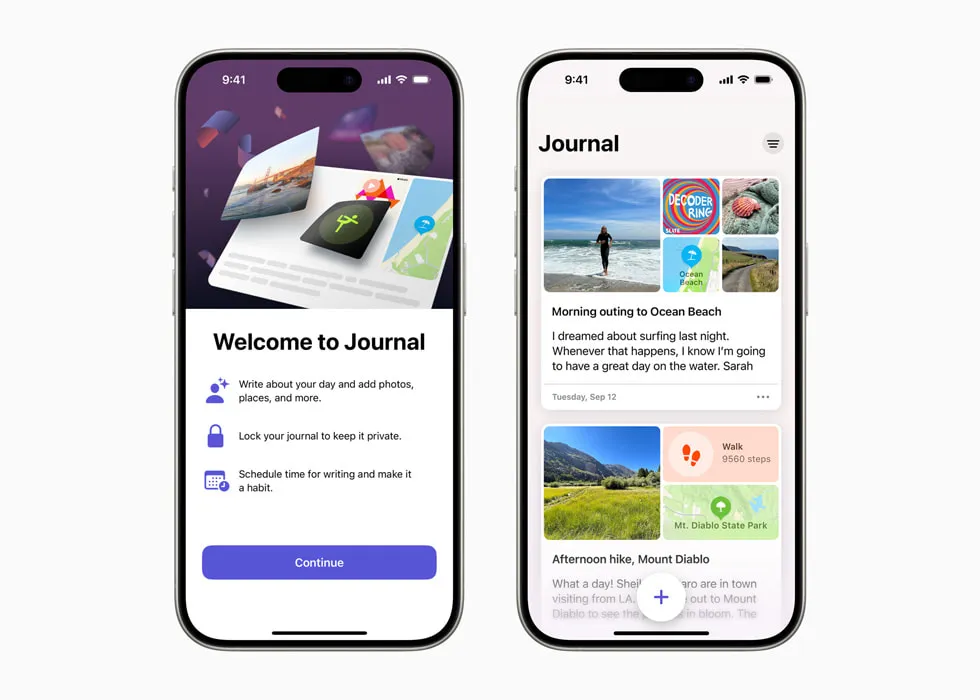
Apple Journal currently has no premium tier, in-app purchases, or subscription.
Launched in December 2023 on iPhone; Apple added iPad and Mac versions with its software releases on 15 September 2025.
| ✅ Free tier includes | ⚠️ What it leaves out |
|---|---|
| On-device AI suggestions (photos, workouts, music, locations) | No tags or categories |
| Full-text search | No “On This Day” memory resurfacing |
| Data export (PDFs or ZIP archive) | No import from other apps |
| Multiple journals with custom icons | No Android, Windows, or web access |
| Inline photos + map view | No guided prompts beyond Apple’s suggestions |
| Default iCloud E2EE with 2FA; no Advanced Data Protection required | — |
| Insights, writing statistics, and streaks | — |
| Face ID and passcode lock | — |
Best for: iPhone, iPad, and Mac users who want zero cost and maximum simplicity. Anyone who has avoided journaling apps purely because of subscription pricing.
Skip if: You need Android, Windows, or web access. You want tags, advanced organisation, or On This Day.
↓ See Apple Journal in the comparison table
Day One (Basic tier)
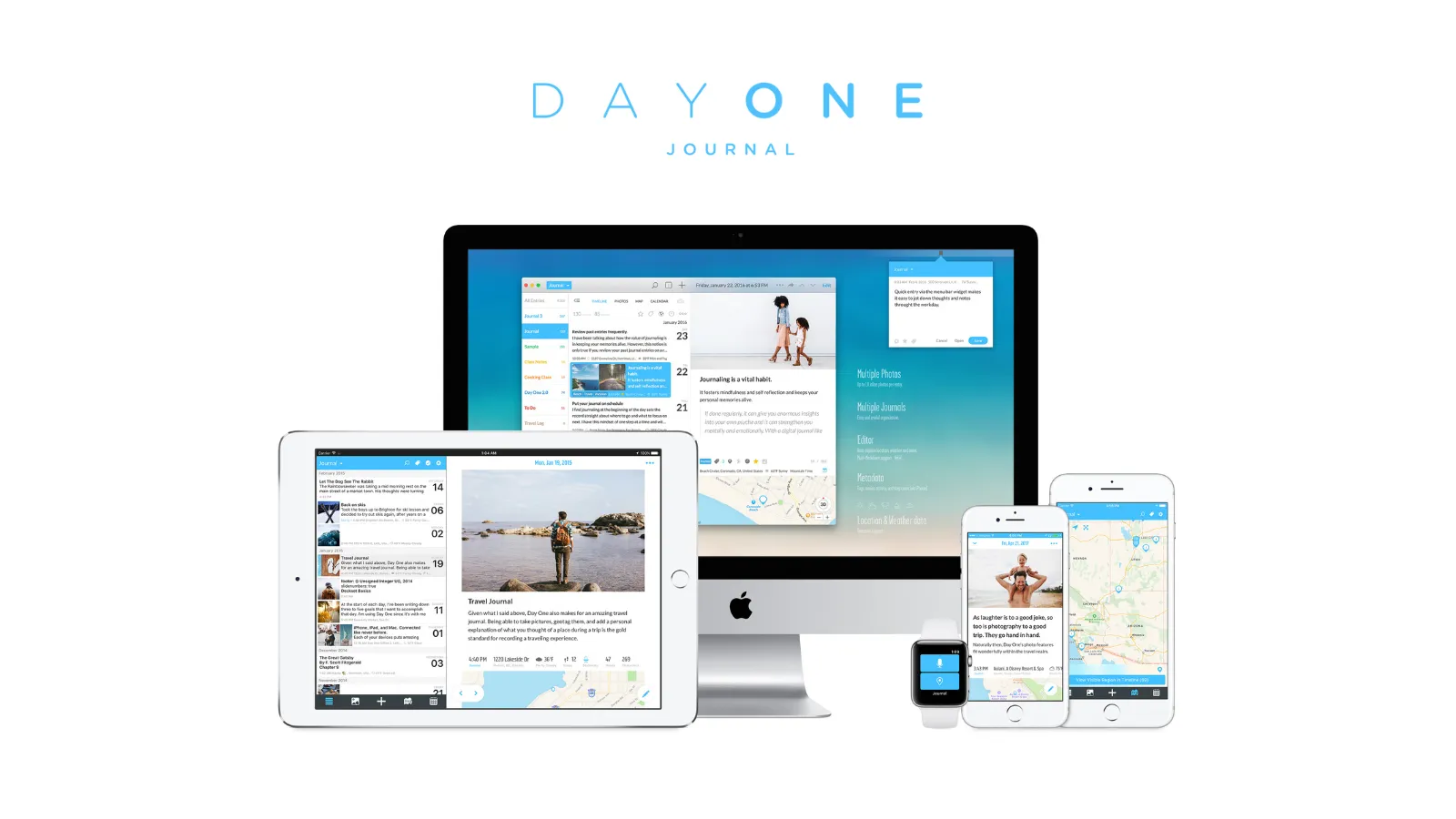
Day One’s free tier is more generous than most reviews claim — it includes E2EE, tags, On This Day, and export, all free. The real paywall is different: one device only.
Day One Basic is one of the very few freemium apps to include end-to-end encryption on the free tier. The writing experience is genuinely the best in the category. The 1-device limit is the wall most people eventually hit.
Phone or laptop, not both. The web app (dayone.me) and Windows app currently do not count against this limit during their beta periods, but this may change. Paid pricing: Silver $49.99/year, Gold $74.99/year. No monthly billing.
For multi-device use at no cost, OwnJournal is the better fit. For a deeper comparison of the two paid tiers, see our Day One vs Journey breakdown.
| ✅ Free tier includes | ⚠️ What it leaves out |
|---|---|
| Unlimited text entries + unlimited journals | One device only — the real paywall |
| End-to-end encryption | One photo per entry (not unlimited) |
| Templates, tags, full-text search | No video or audio recording |
| Daily prompts + On This Day memories | No drawings or IFTTT/Zapier integrations |
| Journaling streaks, location, weather | No AI features (Gold tier, $74.99/yr) |
| Full data export (PDF, JSON, CSV) | — |
Best for: Text-focused journalers who use one device. Users who want to properly evaluate Day One before deciding whether $49.99/year is worth it.
Skip if: You want to journal on multiple devices. You want multimedia entries. You need monthly billing.
↓ See Day One Basic in the comparison table
Daylio

Daylio replaces the blank page with a two-tap system: pick a mood from a five-point scale, select your activities, optionally add a short note. The whole entry takes under thirty seconds.
20 million users — a testament to how well this format works for people who want emotional pattern-tracking without committing to daily writing. It is the answer for anyone who has tried traditional journaling and found it unsustainable.
It is mood tracking, not traditional journaling. If you want to process difficult experiences or search by theme, it is the wrong tool. If you are specifically looking for mood tracking to support mental health, Daylio is the cleanest free option here.
Privacy is strong: no server transmission of user content, local storage only, no account required. Premium ($4.99/month, $35.99/year, $59.99 lifetime) adds: no ads, automatic backups, advanced correlation statistics, PDF export.
| ✅ Free tier includes | ⚠️ What it leaves out |
|---|---|
| Unlimited mood logging with custom moods | No automatic backups (risk for long-term users) |
| Text notes + up to 3 photos per entry | No PDF export |
| Voice recordings | No mood-activity correlation charts |
| Mood charts, monthly graphs, “Year in Pixels” | Ads on Android (not iOS) |
| Manual Google Drive / iCloud backup | No desktop or web version at any tier |
| No account required — local storage | — |
Best for: People who want daily mood tracking without writing. Anyone who has tried traditional journaling and found it unsustainable.
Skip if: You want to write reflective prose. You need desktop or web access. You want mood-activity correlations without paying.
↓ See Daylio in the comparison table
OwnJournal
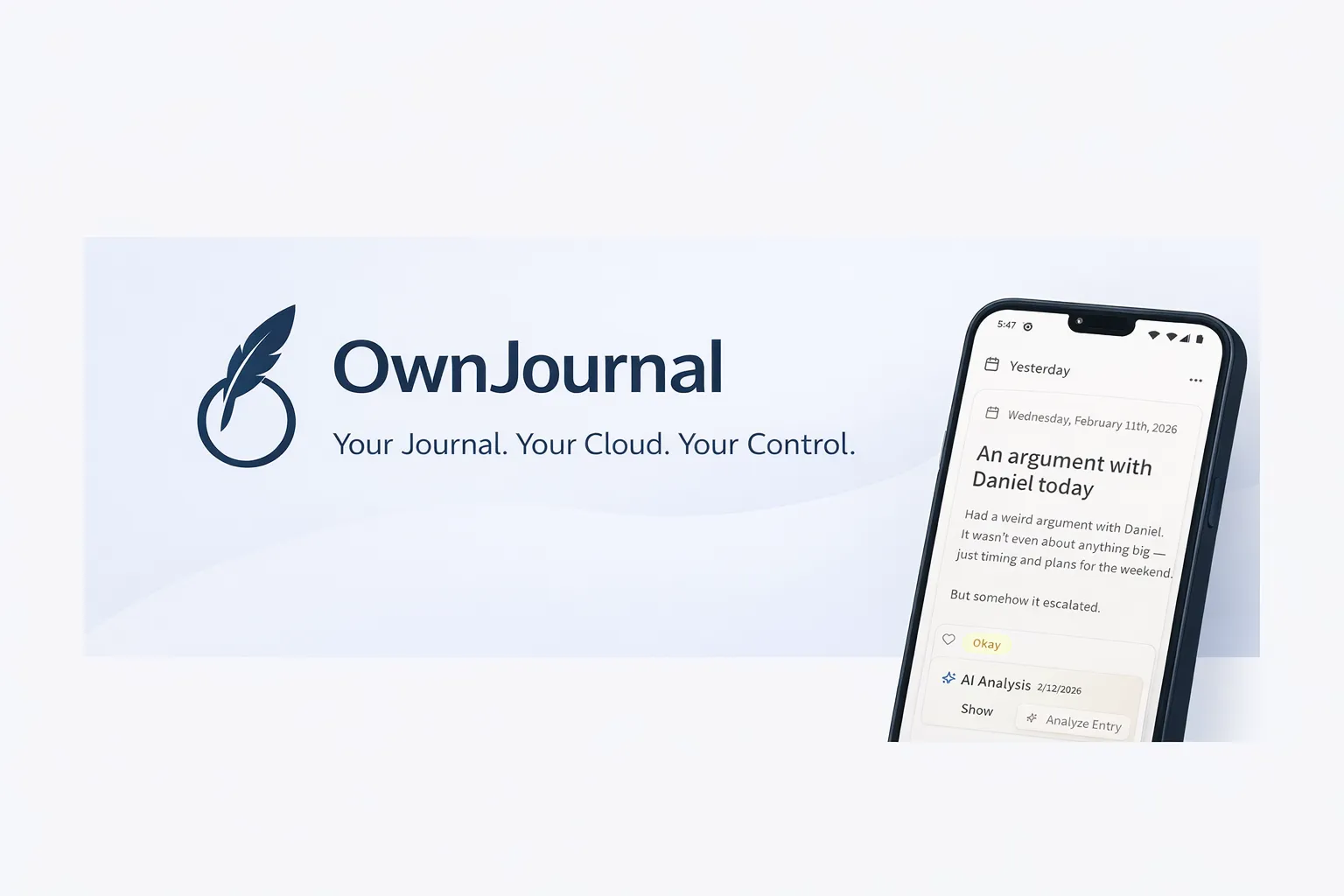
OwnJournal’s own storage servers do not hold a copy of your journal. Entries live in your Google Drive, Dropbox, Nextcloud, or iCloud account. That is a BYOS sync model; local-only apps on this list can also avoid a company-held journal copy.
Day One charges $49.99/year for multi-device sync. OwnJournal does it free because the data lives in your cloud, not theirs. Enable its optional E2EE if you also want the storage provider to hold only ciphertext.
OwnJournal and Day One are the most directly comparable apps in this list — both offer genuine journaling, unlimited entries, tags, search, and E2EE on the free tier. Day One enables E2EE by default; OwnJournal makes it optional on top of BYOS. The key differences:
| OwnJournal (free) | Day One (free) | |
|---|---|---|
| Devices | Web, Android, iOS — no limit | 1 device only |
| Data location | Your own cloud storage | Automattic’s servers |
| Mood tracking | Yes — included free | No |
| Photos per entry | Unlimited | 1 |
| Paid tier | $19.99/year | $49.99/year |
| iOS app | Yes | Yes |
| Track record | New in 2026 | 15 years |
Day One is more polished — a 15-year track record, On This Day memories, book printing, Apple Watch support. For Apple-ecosystem users, it remains the stronger choice. For Android or web users who want multi-device journaling without paying and are willing to enable E2EE themselves, OwnJournal is the more capable free offer. For the difference between BYOS and end-to-end encryption, see our journaling app privacy guide.
| ✅ Free tier includes | ⚠️ What it leaves out |
|---|---|
| Unlimited entries + optional E2EE across web, Android, and iOS | No physical book printing |
| Tags + full-text search | Activity-Mood Correlations are Plus-only |
| 5-level emoji mood picker + 15 activity categories | PDF/Word export require Plus ($19.99/yr) |
| Mood calendar heatmap + statistics dashboard | Newer app with smaller community |
| Distribution donut, rolling average, mood streaks | — |
| All mood/activity/tag/search filters combined | — |
Best for: Android and web users who want full journaling with no device restrictions and optional E2EE. People who want mood tracking and traditional journaling in one app. Privacy-conscious users who prefer their own storage account to an app-company server.
Skip if: You want the polish of a long-established app. You want mood-activity correlation insights without paying.
↓ See OwnJournal in the comparison table
Before you keep scrolling
Already seen the app that fits? These two deep-dives are worth five minutes before you install:
Journey
⚠️ Not really free. Journey’s free tier is so restricted — no text formatting, no export, persistent upselling — that long-term use is impractical. Included here only because it is one of the few options for Linux and Chrome OS users.
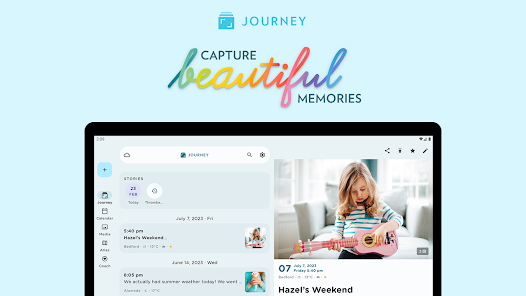
Journey is genuinely cross-platform — seven platforms including Linux and Chrome OS — but the free tier functions as a Google Drive-backed notepad with basic features and heavy upsell pressure.
The privacy question: Journey’s free tier syncs via Google Drive by default — Google holds the encryption keys and can technically read your entries. Journey’s E2EE is only available on Journey Cloud Sync, not Google Drive, and enabling it disables search and is irreversible.
| ✅ Free tier includes | ⚠️ What it leaves out |
|---|---|
| Google Drive sync with unlimited entries | No text formatting |
| Basic photo support | No audio, video, or On This Day equivalent |
| 10 Odyssey AI questions/day | No desktop app access |
| Shared journals | Export paywalled (ePub, Word, PDF) |
| — | Journey Cloud Sync capped at 70MB / 60 entries |
| — | Persistent in-app upselling |
Best for: Users who specifically need Linux or Chrome OS support and accept Google Drive storage.
Skip if: Privacy is a priority. You want to export your entries. You want text formatting, multimedia, or desktop access for free.
↓ See Journey in the comparison table
Tools you can journal in (but aren’t journaling apps)
ℹ️ Notion and Obsidian are not purpose-built journaling apps
Both are general-purpose tools — a workspace and a knowledge base respectively — that many people use for journaling with some setup. Neither ships with prompts, mood tracking, or an On This Day view; you configure those yourself from templates and plugins. Included here because they remain the two most commonly recommended free options among privacy-conscious users and long-term writers willing to invest 15–30 minutes in setup.
Notion
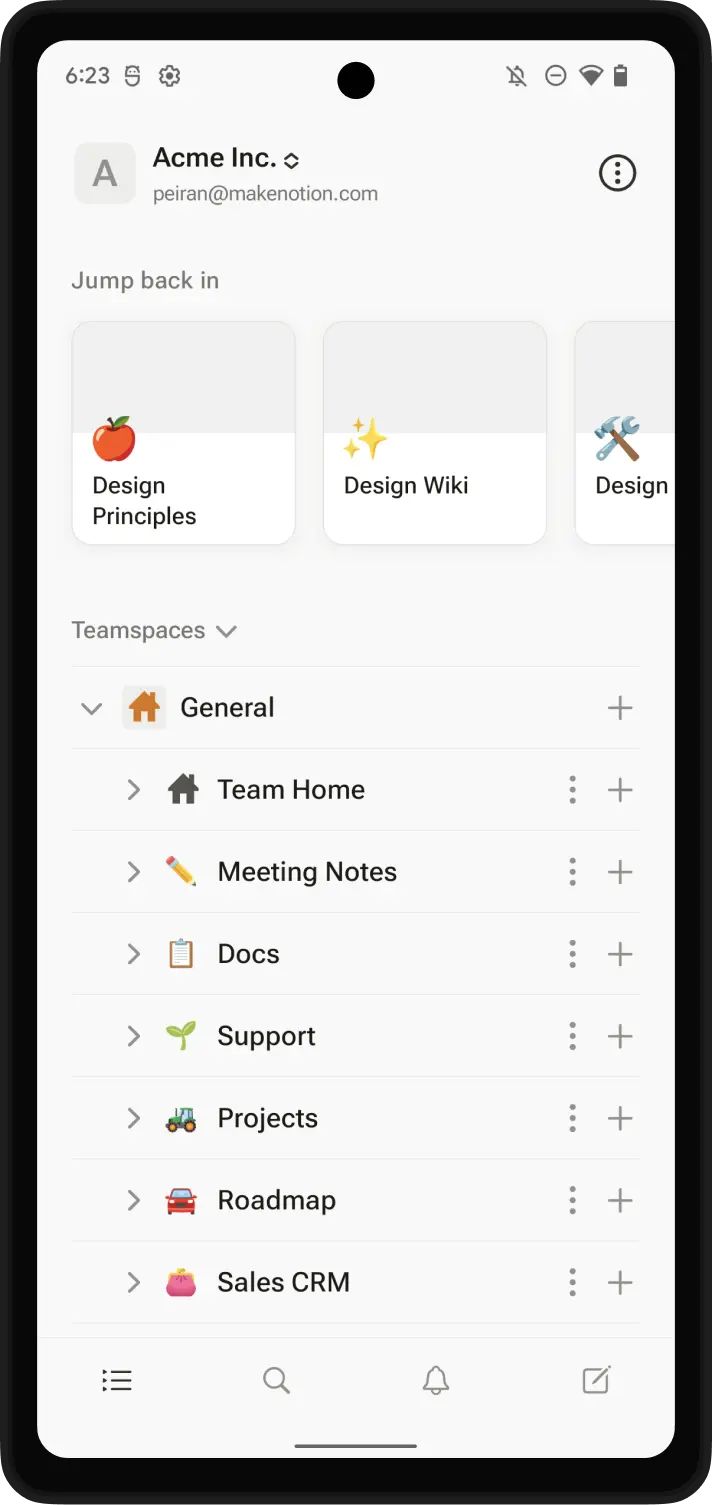
Unlimited entries, all platforms, completely free — but you build the journal yourself. Notion’s free tier is fully functional as a journaling workspace, with custom databases, mood properties, and hundreds of community templates. No journaling-specific features come out of the box.
Setup takes 15–30 minutes. Notion uses AES-256 encryption at rest and TLS in transit, but it does not provide end-to-end encryption and Notion controls the keys. For a ready-to-use template, see our Notion journal setup guide.
| ✅ Free tier includes | ⚠️ What it leaves out |
|---|---|
| Unlimited pages and blocks for individual users | No end-to-end encryption — Notion controls the keys |
| Sync across iOS, Android, Mac, Windows, web | No built-in prompts, mood tracking, On This Day |
| Full database system — custom mood, tags, views | No biometric lock for individual pages |
| Hundreds of free community journal templates | Mobile journaling needs significantly more taps |
Best for: Existing Notion users. Power users who enjoy building custom systems and want maximum flexibility.
Skip if: You value privacy for personal writing. You want to open an app and start writing immediately. You prefer mobile-first tools.
↓ See Notion in the comparison table
Obsidian
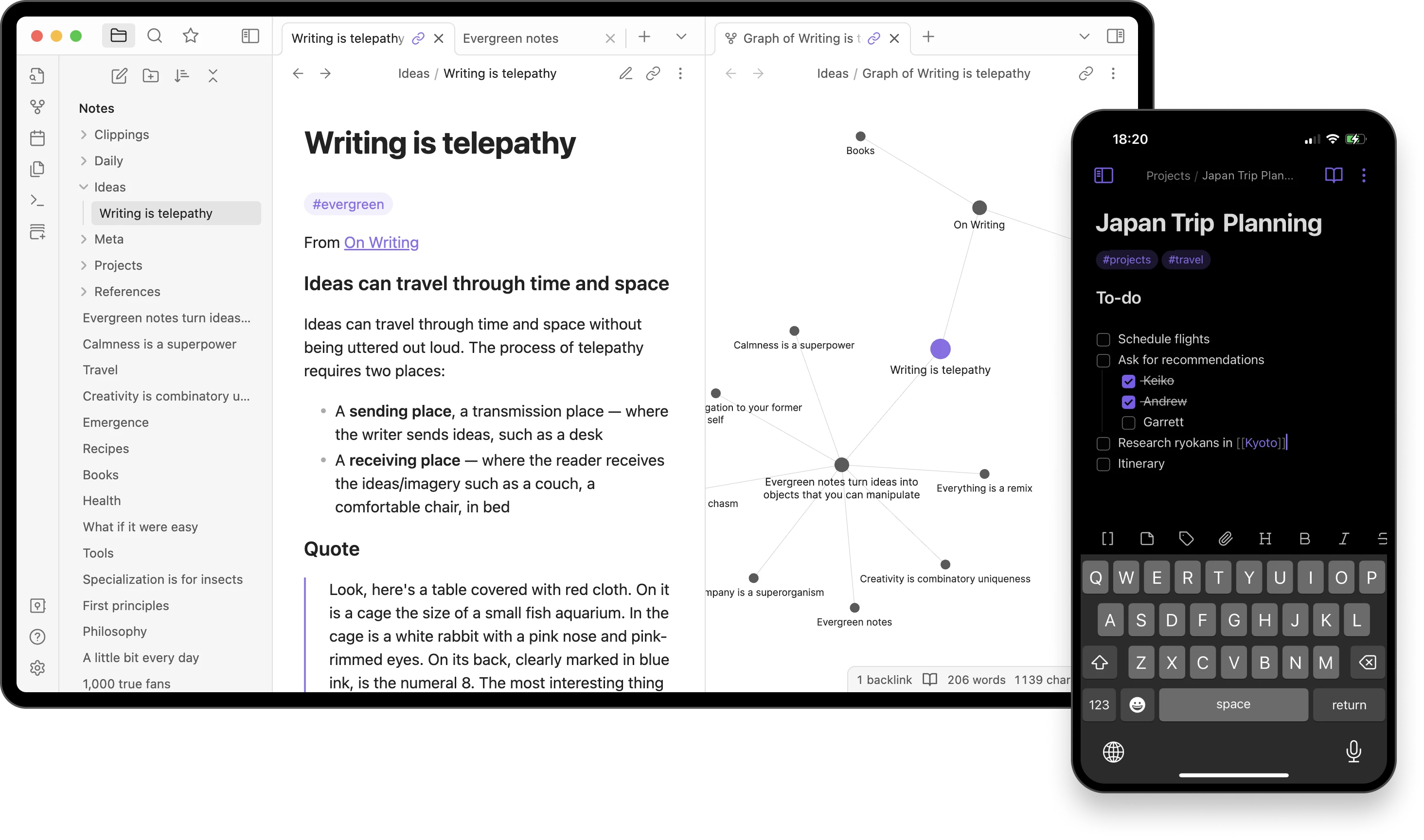
Your journal as plain Markdown files on your own device — readable by any text editor, in any decade, with no proprietary format and no account required. Obsidian is free for all personal and commercial use.
No company can change the format, shut down access, or lock you in. Your journal is a folder of standard text files — the most portable format that exists. Pairs naturally with the Notion-style custom setup mindset but without the privacy trade-off.
Optional: Obsidian Sync ($4/month annual, $5/month monthly) adds E2EE cloud sync. Free sync via iCloud, Google Drive, or Dropbox also works across devices.
| ✅ Free tier includes | ⚠️ What it leaves out |
|---|---|
| All features, plugins, and themes | No journaling features out of the box |
| iOS, Android, macOS, Windows, Linux | No mood tracking, prompts, or On This Day |
| Daily Notes plugin — auto date-stamped entries | No push reminders |
| Community plugins: calendar, templates, word count | Requires documentation + plugin setup |
| Your data is a folder of standard text files | Mobile experience less polished than dedicated apps |
Best for: Technical users who want their journal as standard plain text files with no vendor lock-in. People who already work with Markdown.
Skip if: You want a zero-setup journaling experience. You need mood tracking, prompts, or visual features.
↓ See Obsidian in the comparison table
A word on Diarium
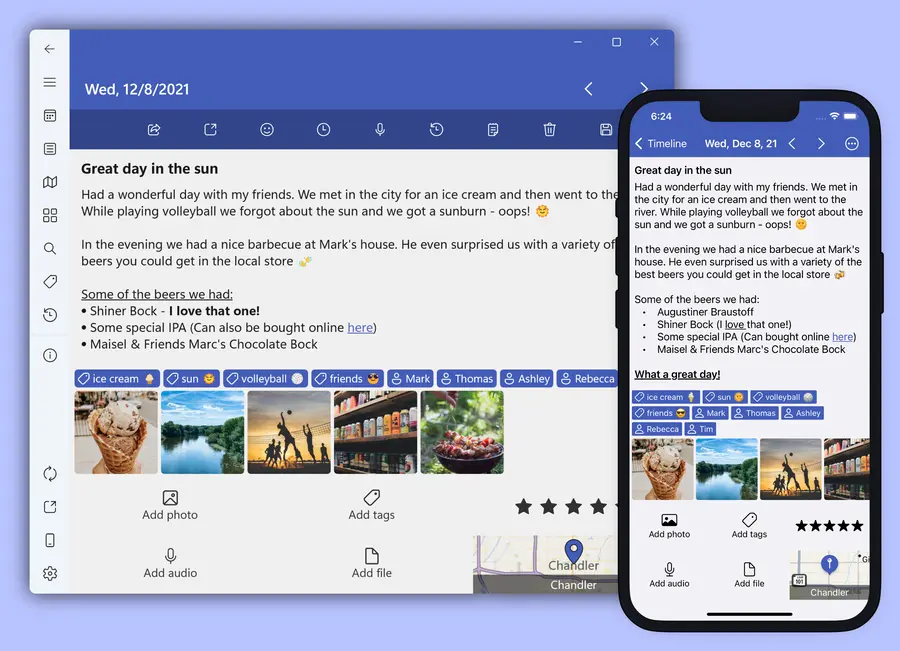
Worth a mention for one specific audience: people who want a one-time purchase with no ongoing subscription. Diarium is free on iOS, Mac, and Android with a solid feature set — text journaling, tags, location, weather, On This Day, mood tracking, and daily reminders. The Windows version is a paid Store app that already includes Pro — $19.99 list, discounted to $15.99 when we checked in August 2026. Pro features (cloud sync via your own storage, social integrations, multi-photo entries) are $9.99 per platform, permanently.
Trade-offs: no E2EE, requires signing in for sync, smaller community. But if subscriptions are a dealbreaker and you use Windows, it is the most capable one-time purchase option in this category.
⚠️ Penzu reliability warning
Recent user reports describe entries not saving and sync failures on Penzu. Losing entries in a journal is a more serious concern than in most other apps — this is the main reason Penzu is not featured above despite having a free tier.
What to watch out for
⚠️ “Free” apps that are actually trials
Rosebud, Five Minute Journal, and several AI journaling apps describe themselves as free but require payment after 7 days. These are not free apps.
⚠️ Google Drive sync is not end-to-end encryption
Journey’s free tier stores entries in Google Drive, which means Google can technically read them. Verify that any app you choose uses genuine E2EE, not just cloud-at-rest encryption where the company holds the keys. If you are journaling about anxiety, depression, or other sensitive topics, this distinction matters.
⚠️ Export is often paywalled
Journey, Grid Diary, and Penzu lock export behind paid tiers. If you write for two years and then want to leave, you may need to pay to retrieve your own entries. Always check export availability before committing.
⚠️ The device-sync trap
Many people start on their phone and later want to write on a laptop. Day One requires $49.99/year for this. Check your intended use before choosing.
The comparison
| App | Free type | E2EE free | Platforms | Export free | Best for |
|---|---|---|---|---|---|
| Apple Journal | Fully free | Yes | iPhone, iPad, Mac | Yes | Apple users, zero cost |
| Day One Basic | Usable freemium | Yes | iOS, Android, Mac, Win, Web | Yes | Single device, polished writing |
| Daylio | Genuinely free | No | iOS, Android | CSV only | Mood tracking, non-writers |
| OwnJournal | Genuinely free | Optional | Web, Android, iOS | Plus only | BYOS journaling + mood tracking, no device limit |
| Journey | Essentially trial | Cloud only | 7 platforms incl. Linux | No | Linux/Chrome OS users |
| Notion | Genuinely free | No | All platforms | Yes | Power users, customisation |
| Obsidian | Fully free | With paid Sync | All platforms | Native files | Plain text, no lock-in |
Where to start
If you read this far, you already know more about free-tier fine print than most people who search for this topic. The habit matters more than the app. Pick the option from the winners card at the top that matches your device, install it before you close this tab, and write three sentences about what is on your mind right now. Try it for thirty days, and upgrade or switch only if you hit an actual limitation. For more on building the habit itself, see our guide to starting a journaling practice.
Frequently Asked Questions
What is the best truly free journaling app?
Apple Journal is the only major journaling app with no premium tier at all, but it works only on iPhone, iPad, and Mac. For Android or web users, OwnJournal offers unlimited entries, mood tracking, tags, and optional E2EE on its free tier with no device limit.
Is Day One really free?
Day One has a Basic free tier that includes unlimited entries, end-to-end encryption, tags, search, and export — but it locks you to a single device. Multi-device sync requires Silver at $49.99 per year.
Can I get end-to-end encryption on a free journaling app?
Yes. Apple Journal data is end-to-end encrypted under standard iCloud protection when two-factor authentication and a device passcode are enabled; Advanced Data Protection is not required. Day One Basic also includes E2EE, while OwnJournal offers optional E2EE alongside its bring-your-own-storage model.
Which free journaling app works on Android?
OwnJournal, Day One Basic (one device only), Daylio, Journey, Notion, and Obsidian all support Android. Apple Journal does not — it is iPhone, iPad, and Mac only.
Are free journaling apps safe for sensitive writing?
End-to-end encryption depends on the app and the kind of data it stores. Apple Journal data is end-to-end encrypted under standard iCloud protection when two-factor authentication and a device passcode are enabled; Advanced Data Protection is not required. Other third-party data in iCloud Drive may use provider-controlled keys unless Advanced Data Protection is enabled. Notion and default Google Drive sync are not end-to-end encrypted.
What is the difference between freemium and genuinely free journaling apps?
Genuinely free apps either have no paid tier (Apple Journal, Obsidian) or do not paywall everyday journaling features (OwnJournal, Daylio core features). Freemium apps like Day One are functional on the free tier but designed to convert you with limits like single-device sync. Trial-style apps like Journey restrict the free tier so heavily that long-term use is impractical.
Related Articles
- The Best Journaling Apps in 2026 — full roundup including paid options
- Is Your Journal Actually Private? What Most Apps Don’t Tell You — what encryption really means for your entries
- Day One vs Journey: An Honest Comparison — head-to-head on the two most popular paid apps
- The Best Journaling Apps for Anxiety and Depression — apps evaluated for mental health use specifically