The Best Journaling Apps for Anxiety and Depression (2026)
An evidence-informed guide to journaling apps for anxiety and depression, separating app features from clinical evidence and treatment claims.
Updated on: June 17, 2026

⚠️ Not a substitute for professional care
If anxiety or depression is significantly affecting your daily life, please speak to a doctor or therapist. Journaling may complement treatment for some people, but it is not a replacement for care.
The Picks, Matched to How You Feel Today
- 🏆 Best overall: Day One — polished and E2EE by default; review the “On This Day” setting
- 🔒 Best for user-owned storage: OwnJournal — open source, your cloud, optional E2EE
- 🧭 Best structured support: Journey — 60+ coached mental-health programmes
- 🍎 Best free option (Apple devices): Apple Journal — no charge; iCloud E2EE when account-security requirements are met
- 💭 For days writing feels impossible: Daylio — two taps, keeps the habit alive
This guide separates what research on specific writing tasks can support from editorial judgments about app privacy, prompts, friction, and content resurfacing.
Jump to: The research · Comparison table · What to avoid
Most roundups recommend apps based on polish and features. This guide also asks what the research on journaling and mental health actually tested — and avoids treating a feature checklist as clinical evidence.
Some app features deserve extra attention when entries may contain sensitive material. Memory resurfacing can be welcome or unwelcome, privacy architectures differ, and mood tracking is not the same activity as long-form writing. None of those observations makes an app a treatment or a clinical risk in itself.
What the research says about journaling for mental health
Since Pennebaker and Beall’s 1986 experiment, researchers have tested many forms of expressive writing. A common protocol asks people to explore their deepest thoughts and feelings for 15–20 minutes on three or four occasions. Results vary by study, population, comparator, and outcome; that schedule is a research convention, not a proven dose for app users.
Emotional inhibition, exposure, cognitive processing, and narrative development have all been proposed as mechanisms. Linguistic changes sometimes correlate with outcomes, but the literature has not established a two-part causal mechanism that applies to every writer.
In a broad synthesis, Frattaroli’s 2006 meta-analysis of 146 experimental-disclosure studies reported a small overall effect of r = .075. That estimate pools varied outcomes and interventions; it is not evidence that any app on this page reduces symptoms.
A 2019 meta-analysis by Linardon and colleagues covered smartphone-delivered mental-health interventions broadly, not journaling apps specifically. Its effect sizes cannot be transferred to Day One, Journey, OwnJournal, Apple Journal, or Daylio, and the study does not show that mobile consistency explains outcomes.
This leaves app selection primarily as a usability, platform, and data-handling decision.
Friction is a usability consideration
We could not substantiate the previously cited claim that a 2017 study proved digital journaling produces greater consistency than handwriting. Nor does expressive-writing research establish that consistency always matters more than session content.
It is still reasonable to count steps: an app that is hard to open or unpleasant to use may be a poor personal fit. That is a product-design judgment, not a clinical effect.
Low friction can make an app easier to use. It is not a clinically validated requirement.
Rumination is the hidden risk
Here is what most journaling guides miss entirely.
Research led by Susan Nolen-Hoeksema associates rumination — repetitive focus on distress and its possible causes — with depression risk and persistence. That general literature does not directly show that a particular journal app causes or prevents rumination.
Treynor and colleagues (2003) separated brooding from reflective pondering in questionnaire data. These subscales and their longitudinal associations are useful context, but they are not randomized tests of journal prompts or app features.
Edward Watkins and colleagues have experimentally studied abstract versus concrete processing. Those findings can inform prompt design, but words such as “destructive” and “constructive” overstate what can be inferred for every user and situation.
If writing repeatedly deepens distress, pause or change the exercise. The evidence does not let us label an app feature therapeutic or harmful by itself.
Privacy changes the product decision
This is the aspect of therapeutic writing that app reviews almost never address.
Many expressive-writing studies tell participants that their writing is confidential. That may support engagement, but it does not show why writing rather than speaking was studied or establish a clinical encryption requirement.
Frattaroli’s meta-analysis found larger effects in studies conducted at home or in a private room than in less private settings. This was a between-study moderator, not a randomized comparison of encryption designs, cloud storage, or privacy policies.
Privacy may influence what someone is willing to record, but neither honesty nor benefit can be reduced to a single app architecture.
For sensitive entries, examine structural privacy as well as device access, account recovery, backups, exports, metadata, and the people in your environment. Different threat models can lead to different choices.
Research on stigma and disclosure can explain why confidentiality matters to many people, but it does not rank these apps or show that the people with the greatest symptoms necessarily require one architecture. The rankings below are editorial judgments based on disclosed product behavior.
The criteria we used to evaluate apps
We evaluated each app on five editorial dimensions that may matter when entries include sensitive mental-health material:
- Structural privacy — Is the encryption zero-knowledge or end-to-end, or does the company rely on policy promises? Is the intended implementation publicly inspectable, and has it actually been audited?
- Guided structure — Does the app provide prompts, templates, or programs, and are any clinical credentials or evidence stated clearly?
- Friction to start — How many steps are there between wanting to write and reaching the editor?
- Content resurfacing — Can old entries or mood summaries appear automatically, and can the user control that behavior?
- Platform availability — Is the app available on the devices people actually use, including Android?
The best journaling apps for anxiety and depression
Day One — Best overall, with a memory-setting check
- Price: Free tier / $49.99 per year (Silver) / $74.99 per year (Gold)
- Platforms: iOS, macOS, Android, Windows, web, Apple Watch
- Privacy: End-to-end encrypted (available since 2017, default for new journals since 2019)
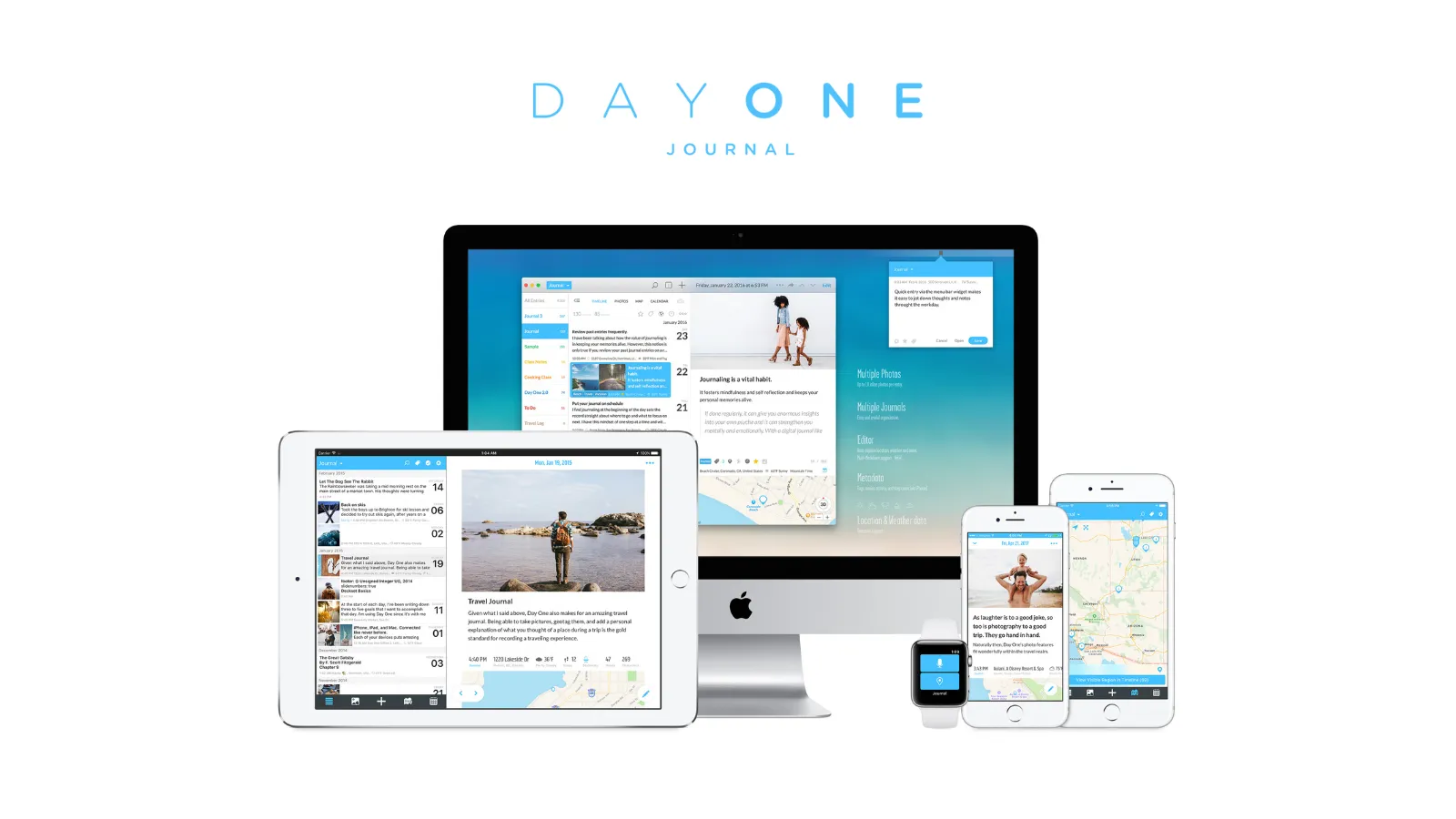
Day One is a polished, established option and a top pick in our best journaling apps roundup. End-to-end encryption is the default for new journals created since September 2019. Under Day One’s documented model, its servers hold journal content as ciphertext and the company does not hold the content key. Its published third-party audit dates to 2017, while account information, metadata, devices, and backups remain separate considerations.
Our best all-round journaling-app pick. Before using it for sensitive entries, review whether you want old entries resurfaced automatically.
Daily prompts may reduce blank-page friction for some users. The Gold tier ($74.99/year) adds AI-powered “Go Deeper” prompts. Neither feature has been shown to improve anxiety or depression outcomes, and AI processing should be evaluated under Day One’s current privacy documentation.
⚠️ Review the “On This Day” setting
Day One can resurface past entries on anniversary dates in the app or through notifications and widgets. Some people enjoy that; others may not want difficult entries to appear unexpectedly. We found no clinical study showing that the feature is inherently harmful or inappropriate. Decide based on your own response, and disable the relevant memories or notification settings if you do not want resurfacing.
Best for: General journaling with strong privacy defaults; people who want a polished, low-friction app and configurable memory features.
Skip if: You are primarily on Android (Day One’s Android app trails iOS). You want the code to be independently auditable. You prefer an app without automatic memory features.
↓ See Day One in the comparison table
Journey — Best for structured support
- Price: Free tier / $29.99–$49.99 per year (Membership)
- Platforms: iOS, Android, macOS, Windows, Linux, web, Chrome OS — widest coverage
- Privacy: E2EE is available but requires opt-in on Journey Cloud Sync. Default Google Drive sync is not E2EE for journal content.
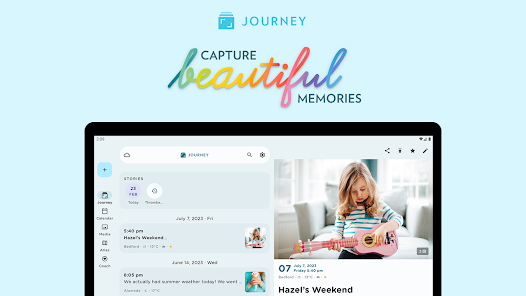
Journey advertises 60+ coached multi-step journaling programmes. Treat them as guided content unless the company supplies evidence for a specific clinical claim.
Journey has the broadest guided-content feature set in this comparison. It advertises over 60 coached journaling programs covering topics including self-confidence, mindfulness, gratitude, mental wellness, body positivity, and boundary-setting. These are multi-step guided sequences, not validated treatments merely because their topics concern mental health.
The app also includes a mood tracker with 30-day visualisation, and its Odyssey AI can analyse your entries for patterns — though this requires entries to be processed server-side, which is a privacy trade-off worth considering.
For people who dislike an open page, Journey’s structure may be practically valuable. Some expressive-writing moderator analyses favor more specific instructions, but they do not test Journey’s programs or show that guided content produces better therapeutic outcomes than open-ended free writing.
The privacy caveat is significant. The default Google Drive sync means your entries are subject to Google’s data handling policies, not end-to-end encrypted by Journey. If you use Journey, enable E2EE through Journey Cloud Sync in the settings — it is available but not the default. Be aware that enabling E2EE disables the Odyssey AI analysis, since the entries must be readable by servers for AI processing.
Also worth noting: we could not verify whether Journey’s coaching programs were designed by licensed mental health professionals. They are well-structured and generally well-calibrated, but they are not clinical tools.
ℹ️ Mood tracking is not always encouraging
The 30-day mood visualisation can be encouraging when tracking improvement. It can also be distressing when it shows a persistent flat or negative line. If you find mood charts demotivating, consider using the writing programmes without the mood-tracking feature.
Best for: People who want guided structure and don’t mind the privacy trade-off; Android and Windows users who need cross-platform coverage; anyone who struggles with where to start.
Skip if: You want E2EE enabled by default. You want to use Odyssey AI and E2EE at the same time; Journey does not support that combination. You find the confusing per-platform pricing a dealbreaker.
↓ See Journey in the comparison table
Apple Journal — Best free option for iPhone users
- Price: Free
- Platforms: iPhone, iPad (iPadOS 26+), Mac (macOS Tahoe 26+) only
- Privacy: Entries in iCloud are end-to-end encrypted when the Apple Account uses two-factor authentication and the device has a passcode; under those conditions Apple cannot read the entry content. Journaling Suggestions processing stays on-device, and selected suggestions are shared with an app only when the user chooses them.
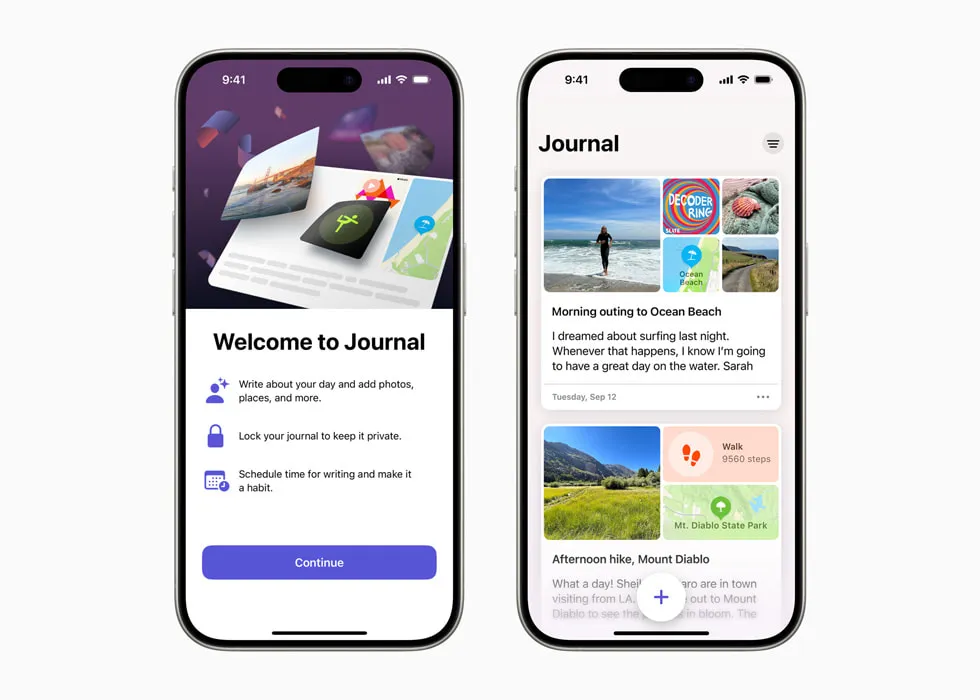
Completely free, with on-device suggestion processing and iCloud E2EE when two-factor authentication and a device passcode are in place.
Apple Journal is completely free and built for the current Apple ecosystem. When the account conditions above are met, entries stored in iCloud are end-to-end encrypted. Journaling Suggestions uses on-device processing to surface relevant photos, activities, and memories; the user chooses which suggestion details to share with the journal app.
The prompts lean toward positive psychology — gratitude, purpose, what went well — rather than therapeutic processing of difficult emotions. There are no CBT tools, no structured mental health programs, and no mood tracking beyond the State of Mind integration with Apple Health. But the writing surface itself is private, low-friction, and free, which makes it a strong starting point for anyone in the Apple ecosystem.
The platform limitation is absolute. There is no Android version, no Windows version, no web version. If you use Android, Apple Journal does not exist for you.
Best for: iPhone and iPad users who want zero-cost, zero-setup journaling with genuine privacy; anyone who wants the lowest possible barrier to starting.
Skip if: You use Android or Windows. You need structured therapeutic programmes or CBT tools. You want prompts that engage with difficult emotions rather than positive psychology.
↓ See Apple Journal in the comparison table
Worth a pause before you keep reading
If privacy is the reason you’re reading this guide, these two deep-dives matter more than the app-by-app details below:
OwnJournal — Best for genuine privacy
- Price: Free tier / $19.99 per year
- Platforms: Web, Android, iOS (iPhone & iPad), Desktop
- Privacy: Entries live in your own Google Drive, Dropbox, Nextcloud, or iCloud rather than on OwnJournal’s servers. Optional E2EE protects entry content from the storage provider when enabled. The full stack is open source under AGPL-3.0.
- Open source: Yes — full stack, AGPL-3.0. The intended implementation is publicly inspectable; the project has not published a formal third-party audit.
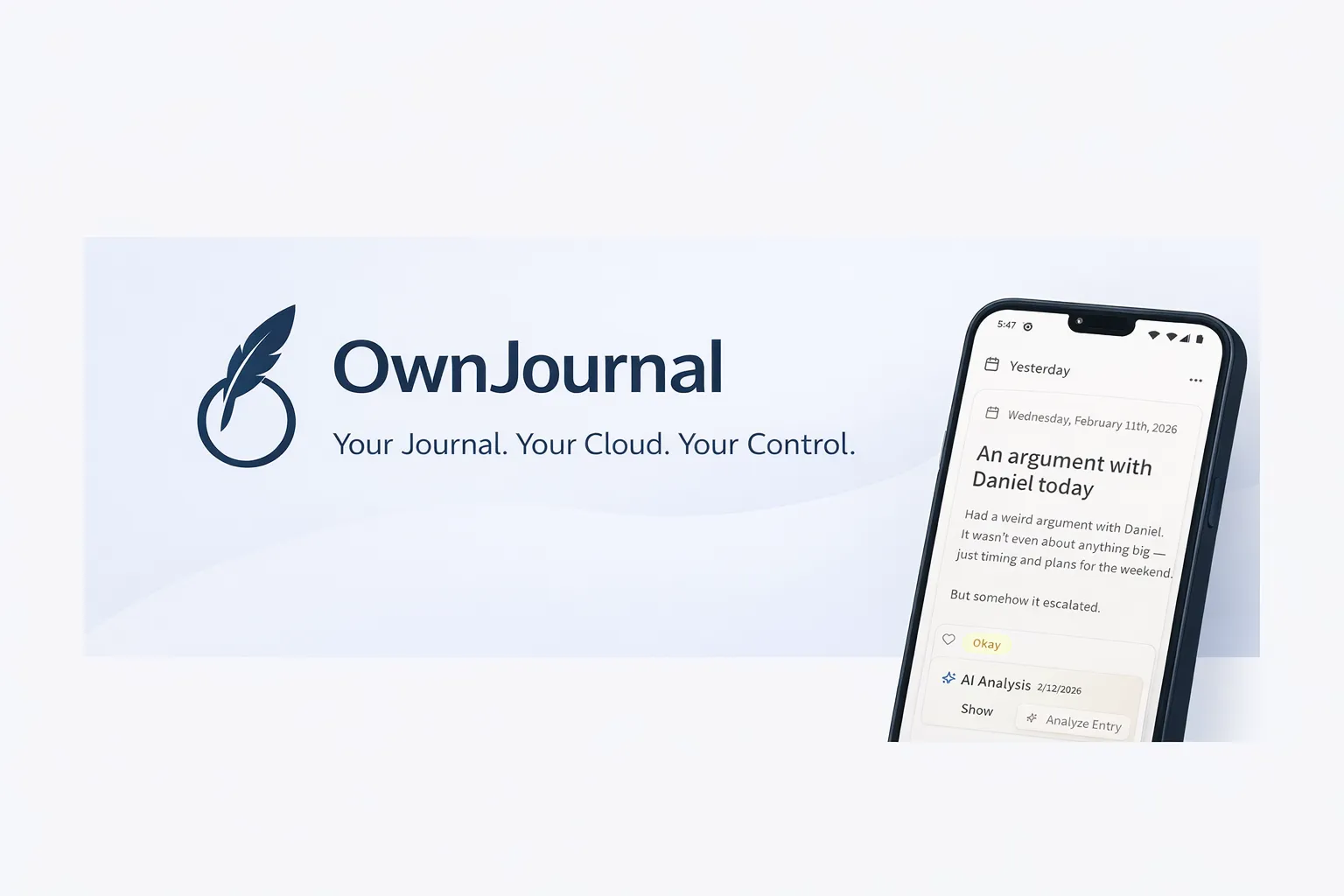
OwnJournal uses bring-your-own storage rather than storing entry content in an OwnJournal account. That narrows one exposure path; it does not eliminate device, provider, account, backup, or configuration risks.
OwnJournal’s bring-your-own-storage design keeps journal entries out of OwnJournal’s own content store. Your entries live in your Google Drive, Dropbox, Nextcloud, or iCloud account. In the default simple mode those cloud copies are readable; enable the optional E2EE when your threat model includes the storage provider or cloud-account access.
Optional end-to-end encryption adds a second layer intended to prevent the cloud storage provider from reading entry content. The AGPL-3.0 licence makes the intended implementation publicly inspectable, but does not amount to an audit or prove the distributed build. For a threat model that favors bring-your-own storage and inspectable source, OwnJournal is our preferred architecture in this comparison; the result still depends on configuration, account security, endpoints, backups, and recovery choices.
OwnJournal includes mood and activity features that may be useful for personal record-keeping. Every entry has an emoji mood picker (five levels from Great to Terrible), and you can tag activities — exercise, social, meditation, sleep quality, and more — alongside each entry. A mood calendar heatmap and statistics dashboard (mood distribution, rolling average, day-of-week analysis, mood streaks) are all free. The premium tier adds Activity-Mood Correlations. Those are descriptive associations in one person’s records, not causal findings or clinically validated insights.
This means OwnJournal combines long-form entries with mood and activity tracking. Whether it replaces a separate tracker depends on the features and workflow you need; the combination itself has not been clinically tested.
The trade-offs are real. OwnJournal is a younger app than Day One or Journey. The initial setup requires connecting a cloud storage account, which takes a few minutes.
Best for: People whose threat model favors bring-your-own storage, optional E2EE, and publicly inspectable source; Android users who find Day One’s Android app lacking; anyone who wants writing and descriptive mood-activity summaries in one app.
Skip if: You want a long-established app with a large user community. You don’t want to spend five minutes connecting a cloud storage account during setup.
↓ See OwnJournal in the comparison table
Daylio — Best when writing feels impossible
- Price: Free tier / $35.99 per year (Premium)
- Platforms: iOS and Android only
- Privacy: Data stored locally on-device by default. No zero-knowledge encryption. Optional backup to Google Drive or iCloud.

Two taps can log a mood when writing feels difficult. Logging is a product function, not evidence that Daylio preserves a therapeutic habit.
Daylio is worth including with an important clarification about what it is and what it is not.
It is not an expressive-writing app in the Pennebaker sense. Tapping emoji moods and selecting activity icons creates different data from narrative text. That distinction does not establish that one produces therapeutic cognitive processing and the other does not.
What Daylio does do, and does well, is reduce the amount of input needed. Two taps can preserve a record on a day when writing a sentence feels difficult.
Second, its statistics can show associations between logged activities and moods over time. They may suggest questions to discuss or test, but they do not establish causes or reproduce behavioural activation therapy.
Research on mood tracking should not be treated as evidence for Daylio unless the app and feature were actually tested. Self-monitoring can feel useful or burdensome; notice your response and use the log for tentative pattern-spotting, not diagnosis or causal inference.
Best for: Days when writing feels impossible; building awareness of mood-behaviour correlations; as a complement to a journaling app rather than a standalone tool.
Skip if: You want long-form writing. You need desktop access. You find frequent self-monitoring makes you more anxious or self-focused.
↓ See Daylio in the comparison table
A note on AI journaling apps
Several apps use AI to generate follow-up prompts, analyse text, or offer reflections. Some users may find a targeted follow-up easier than a blank page, but that does not establish clinical effectiveness or accuracy.
The privacy question is architectural. Some AI features send readable text to a provider; others may process on-device or use a separate, consented service boundary. End-to-end encryption can protect stored entries while a user explicitly shares selected text for processing. Check the exact data flow instead of assuming every AI feature works the same way.
Apps like Reflectly have received privacy warnings from Common Sense Media for unclear data practices. For any app, verify whether entry text leaves the device, who receives it, how it is retained, whether it is used for training, and which encryption promises still apply.
For sensitive entries, that can be a meaningful trade-off. If you consider Rosebud or another AI assistant, read its current documentation and consent screens rather than relying on a category-wide claim. Guided prompts may feel useful, but user reception and therapist involvement do not establish therapeutic benefit.
Combining app functions
Different tools expose different functions. Combining them may suit a workflow, but research does not show that the pairings below produce better mental-health outcomes:
For writing + a privacy-focused design: OwnJournal or Apple Journal can serve as a primary writing space, subject to their documented platform, account, device, backup, and encryption conditions. OwnJournal also includes mood tracking, activity tagging, and mood statistics.
For tracking + tentative patterns: Daylio, Bearable, or OwnJournal can log mood and activity data. Correlation reports may be shared with a therapist as observations, but they do not establish what caused a mood change.
For structured exercises: Wysa offers CBT- and DBT-inspired exercises. Regulatory designations and HIPAA claims apply to specified products and data practices, not automatically to every feature or to journaling outcomes; verify its current product documentation before relying on them.
OwnJournal combines long-form writing, quantitative mood tracking, and a privacy-focused architecture. That is a feature comparison, not evidence of a combined clinical effect.
Quick comparison
| App | Privacy | Structure | Friction | Automatic resurfacing | Android | Price |
|---|---|---|---|---|---|---|
| Day One | E2EE default | Low (prompts only) | Very low | On This Day; configurable | ✅ | $49.99/yr |
| Journey | Opt-in E2EE | High (60+ programs) | Low | Review current settings | ✅ | $30–50/yr |
| Apple Journal | iCloud E2EE with 2FA + passcode | Low (reflective prompts) | Extremely low | Suggestions; configurable | ❌ | Free |
| OwnJournal | BYOS + optional E2EE + open source | Moderate (mood + activities + stats) | Moderate (setup) | Not assessed | ✅ | Free–$19.99/yr |
| Daylio | Local only | None (mood tracking) | Extremely low | Mood summaries | ✅ | Free–$36/yr |
What to avoid
⚠️ Unstructured emotional venting without a closing practice
If you notice that writing the same distress repeatedly leaves you feeling worse, pause or change the exercise. A closing question such as “What did I notice?” may help some people, but it is not a proven safeguard. Seek professional guidance when distress persists. For optional starting points, see our mental health journaling prompts.
⚠️ Journaling apps that mine your entries for advertising
Some free apps monetise through data. Check privacy policies before writing anything sensitive.
⚠️ Treating mood tracking as equivalent to expressive writing
Logging a number and writing narrative text create different records. Research on one should not be transferred to the other.
Frequently Asked Questions
What is the best journaling app for anxiety?
Day One is our best overall app pick, not a clinically proven anxiety intervention. Its On This Day feature can resurface old entries, so decide whether reminders are welcome and disable them if they are not. For a bring-your-own-storage model, consider OwnJournal; compare each app against your own devices, backup needs, and threat model.
Is journaling good for depression?
It may help some people as an adjunct, but results are mixed and no app in this list is proven to treat depression. A 2022 review of 20 journaling trials found a pooled benefit across mixed mental-health outcomes, while high heterogeneity and methodological flaws limited firm conclusions. The 2019 smartphone-intervention meta-analysis often cited here did not specifically test journaling apps.
Can journaling make anxiety worse?
Writing can feel worse or reinforce a repetitive loop for some people, although general rumination research does not prove that journaling itself causes symptoms to worsen. If an exercise creates sustained distress, pause it and discuss the response with a mental-health professional.
Which journaling app has the best privacy for mental health writing?
OwnJournal is our pick when bring-your-own storage and publicly inspectable source match your threat model: entries live in your selected storage provider rather than an OwnJournal content store, with optional E2EE. Source access is not an audit, and this is not absolute privacy — device security, account access, backups, metadata, and configuration still matter.
Should I use an AI journaling app for anxiety?
AI features have different architectures. Some send readable entry text to a provider, while others may process locally or use a separately consented workflow. Check what data leaves the device, which company receives it, how long it is retained, whether it trains models, and whether enabling AI changes encryption guarantees.
Is mood tracking the same as journaling for mental health?
No. Mood tracking records ratings or tags, while long-form journaling records narrative text. They can be used separately or together, but research on one should not be used to claim benefits for the other. OwnJournal includes both feature types; that combination has not itself been clinically tested.
Further reading
- Is Your Journal Actually Private? What Most Apps Don’t Tell You — our deep-dive on encryption, data access, and what privacy actually means for journaling apps
- How Journaling Improves Mental Health: What Decades of Research Actually Show — the evidence base for expressive writing and its effects on anxiety and depression
- The Best Journaling Apps in 2026 — our full roundup across all use cases, not just mental health
- The 5-Minute Journaling Method That Actually Sticks — for when you want to build the habit without the pressure of long sessions
If you read this far, you already know more about the mental-health side of journaling apps than most people who ask this question. Here is exactly what to do tonight:
- If you’re on Apple and want to start in five minutes: Open Apple Journal. It’s already on your phone. Write three sentences about what is weighing on you.
- If privacy is what brought you here: Compare OwnJournal’s bring-your-own-storage model with your threat model, and enable its optional E2EE if you choose it.
- If you need structure more than anything else: Install Journey and start a coached programme — mindfulness or mental wellness is a good first pick.
- If writing feels impossible today: Install Daylio. Two taps. That counts.
Do not aim for eloquence. Treat the first entry as a personal trial of the tool, not as a research-backed treatment step.