OwnJournal vs Day One: Which Is Better in 2026?
OwnJournal vs Day One compared on privacy, price, platforms, and features. An honest look at the open-source challenger against the market leader.
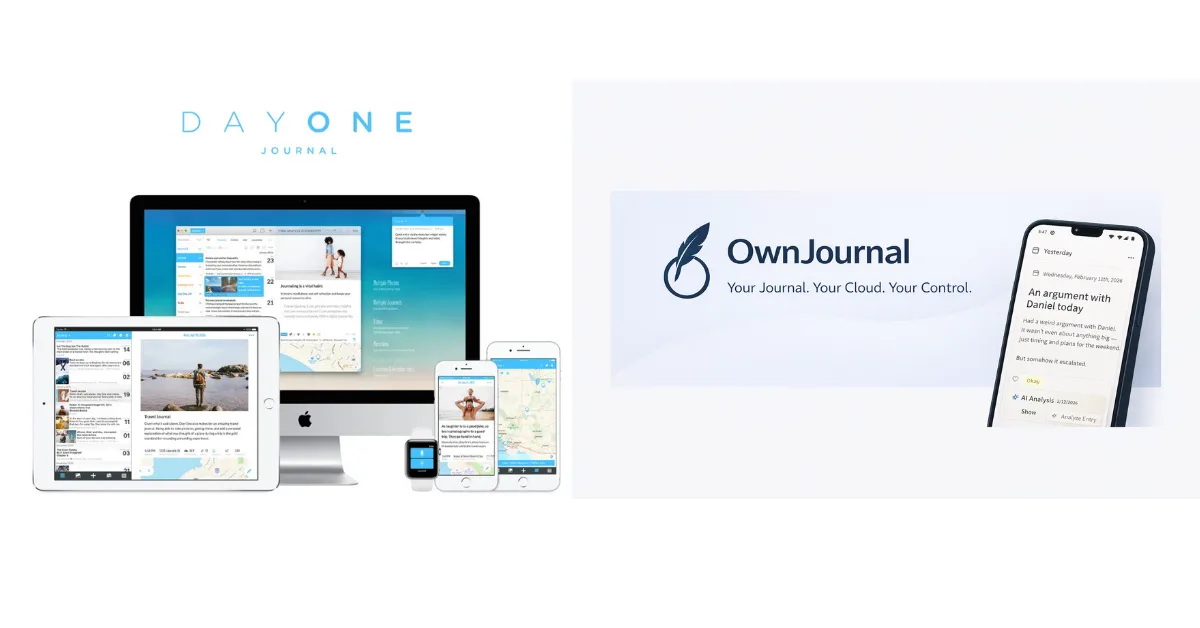
If you are deciding between OwnJournal and Day One, the short answer is this: Day One is the more polished, mature app with the best writing experience on Apple devices. OwnJournal is the cheaper, open-source option that stores entries in a cloud account you choose rather than on OwnJournal’s servers, with optional end-to-end encryption. One optimises for craft and a strong default; the other for storage control, transparency, and price.
They are not really competing on the same axis, which is exactly why this comparison is useful. Below we break down how they differ on privacy, pricing, platforms, writing experience, and mood tracking — honestly, including where each one falls short.
Verdict at a Glance
💙 Day One
Best if you are on Apple devices and want the most polished writing experience, rich multimedia, and physical book printing — with always-on encryption.
Best if you want user-owned storage, inspectable source code, the cheapest paid tier, mood tracking for free, and no single-device limit.
These two apps make genuinely different choices on privacy, price, and polish. The right one depends on which you weigh most.
Jump to: Essentials table · Full comparison · How to choose
The essentials
| Day One | OwnJournal | |
|---|---|---|
| Price (full features) | $49.99–$74.99/yr | $19.99/yr |
| Free tier | Unlimited text, but 1 device | Unlimited, multi-device |
| Privacy model | E2EE by default on company servers | BYOS with optional E2EE |
| Open source | ❌ No | ✅ Yes (AGPL-3.0) |
| Platforms | 5 (+ Apple Watch) | 4 (iOS, Android, Web, Desktop) |
| Best for | Apple users + polish | Storage control + value |
For a broader look at more apps beyond these two, see our full journaling app roundup and our Day One vs Journey comparison.
Day One
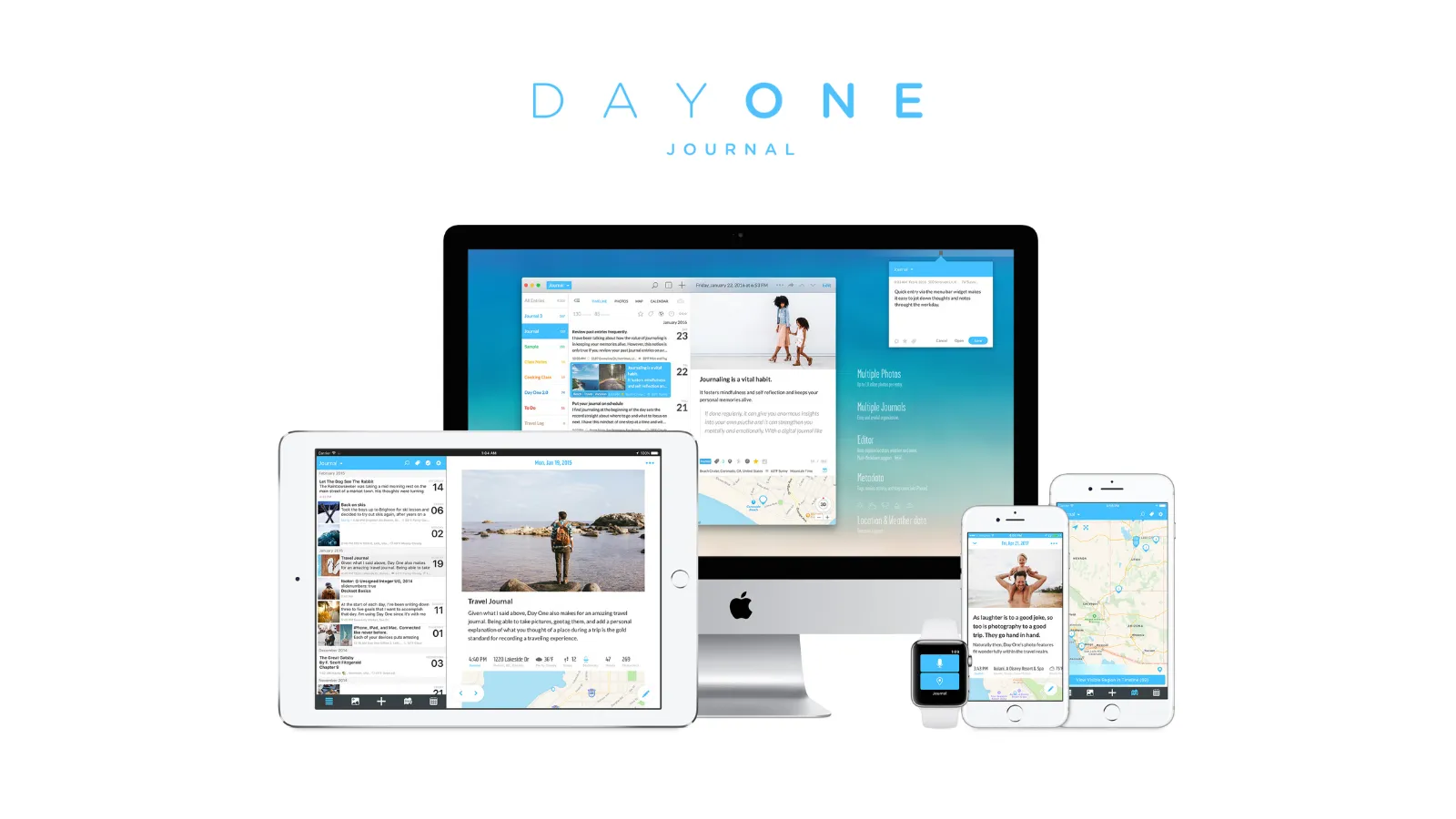
Day One has been around since 2011 — built by a small team in Utah, bootstrapped for a decade, and acquired by Automattic (WordPress.com and Tumblr) in June 2021. Fifteen years of iteration show in the product, and it is widely regarded as the benchmark for journaling app polish.
Pricing
Day One restructured its pricing in August 2025. Many review sites still show the old $34.99/year figure — that is no longer accurate.
Basic (free): Unlimited text entries and journals, end-to-end encryption, daily prompts, templates, search — but one photo per entry and a single device only.
Silver ($49.99/year): Everything in Basic, plus unlimited photos and videos, multi-device sync, audio with transcription, third-party integrations, and a discount on printed books.
Gold ($74.99/year): Everything in Silver, plus AI features — Daily Chat, AI-generated summaries and prompts, and image generation.
There is no monthly billing. You pay annually or not at all.
Privacy and encryption
End-to-end encryption, by default, since 2019 — with no functional trade-offs. Day One’s servers store only ciphertext, and the keys live on your device.
End-to-end encryption has been enabled by default for all new Day One journals since September 2019, across every tier including the free plan. Under Day One’s documented encryption model, its servers hold journal content as ciphertext and the company does not hold the content key. Account information, metadata, devices, backups, and other information the company retains remain separate parts of the threat model.
The encryption key lives on your device and backs up to your iCloud Keychain. With Apple Advanced Data Protection enabled, even Apple cannot access that key.
Two honest caveats. The local device database relies on the operating system’s disk encryption rather than separate at-rest encryption, and the only third-party security audit dates from 2017 — nearly nine years ago, with no published update since.
There is also no two-factor authentication for email and password sign-in; Day One recommends Sign in with Apple or Google instead.
Platform coverage
iPhone, iPad, Mac, Android, Windows, and web — plus Apple Watch for quick entries. That is the widest first-party platform coverage of the two.
The Apple experience is genuinely excellent. The Android app works but is consistently rated a step behind iOS, and the Windows app (launched March 2025) is newer and less mature.
Writing experience
Day One’s writing experience is widely regarded as the best in the category. The interface is clean and focused, and automatic metadata — weather, location, moon phase — attaches to entries with no input required.
Rich media support on Silver and Gold is comprehensive: photos, video, audio with transcription, drawings, PDF embedding, and handwriting scanning. The physical book printing feature is unique among journaling apps — many long-term users cite it as their favourite thing about Day One.
The On This Day feature surfaces entries from past years on the current date.
ℹ️ Worth knowing if you write about difficult periods
”On This Day” is content-unaware — a hard entry can surface alongside a happy memory without distinction. It can be disabled in settings, which we recommend for therapeutic writing. See our guide to journaling for anxiety and depression for more.
What Day One has and doesn’t
| ✅ Strengths | ⚠️ Gaps and genuine weaknesses |
|---|---|
| Always-on E2EE across all tiers | No mood or habit tracking |
| Cleanest writing experience in the category | Closed source — implementation cannot be inspected publicly |
| Physical book printing (unique here) | Free tier locked to a single device |
| Automatic metadata (weather, location, moon phase) | No monthly billing option |
| Rich media: photos, video, audio with transcription | Security audit from 2017, not yet updated |
| 15 years of iteration and a mature ecosystem | Gold tier ($74.99/yr) is expensive for AI |
If you want user-owned storage, publicly inspectable source code, or built-in mood tracking, Day One is not built for that. For a wider set of alternatives, see our best Day One alternatives guide.
Halfway through — worth a detour
Read this if you are about to pick a side:
OwnJournal
OwnJournal answers the privacy question with architecture rather than encryption alone. Instead of storing your entries on company servers, it writes them directly to your own cloud storage — Google Drive, Dropbox, Nextcloud, or iCloud.
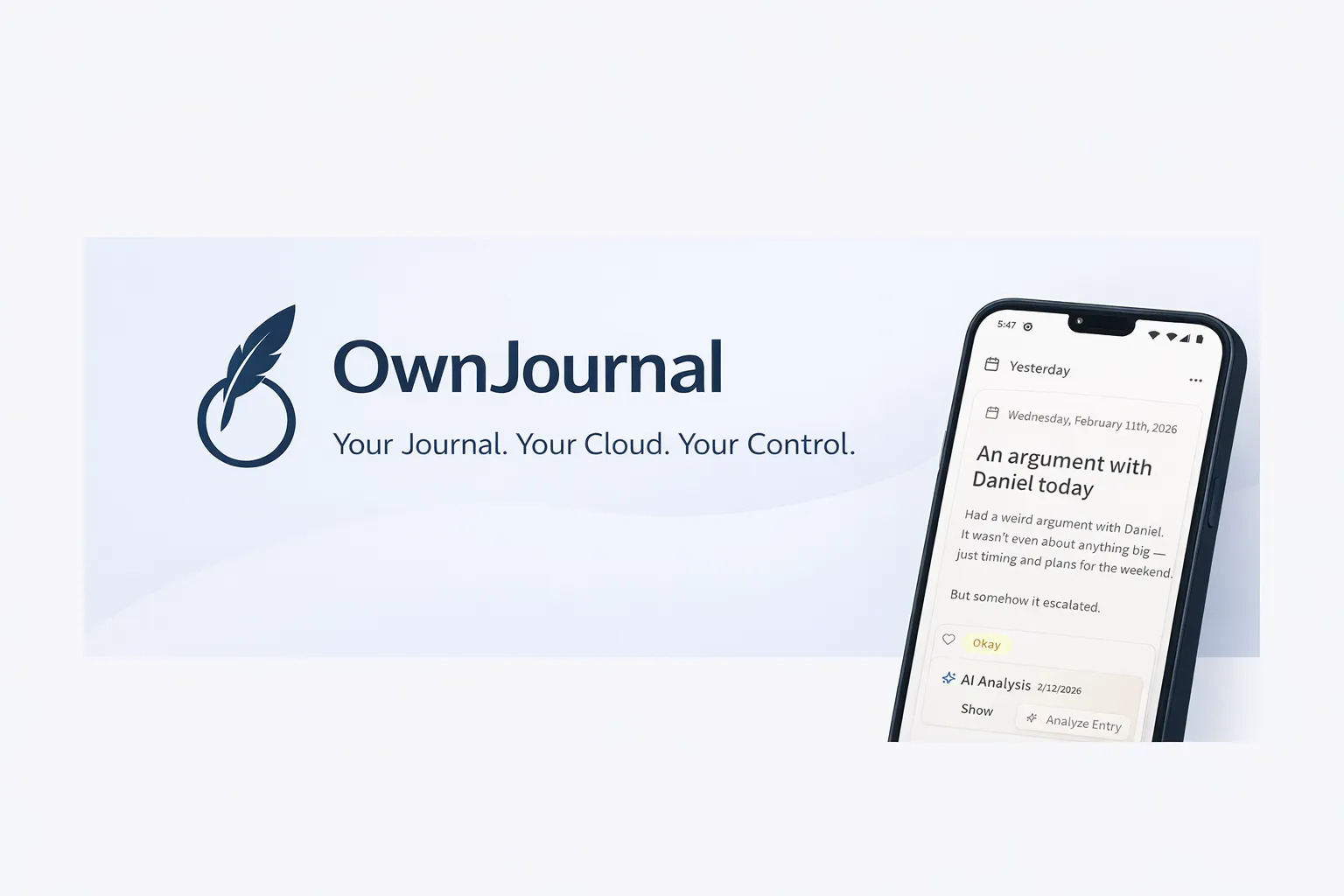
OwnJournal’s servers do not hold your entries. Your connected cloud account, encryption setting, devices, and backups determine who else could reach a copy.
The company does not store a copy of your journal on its own servers. That removes one storage target, but it does not remove every route to the data: the connected cloud provider and account, your devices and backups, and the software-delivery path remain relevant. Optional end-to-end encryption is available on top of this storage model; in Simple mode, the cloud copy remains readable.
The codebase is published under AGPL-3.0 on GitHub, so independent reviewers can inspect the implementation. That is useful transparency, but reading source is not the same as a formal audit or proof that a distributed build matches it exactly.
Pricing
Free: Unlimited entries, multi-device sync, mood tracking, photos, tags, and search — with no single-device restriction.
Plus ($19.99/year): Adds AI mood and theme analysis, activity-mood correlations, smart title and tag suggestions, and PDF/Word export. A 14-day free trial is available.
This makes OwnJournal the cheapest paid option of the two by a wide margin, and its free tier is more permissive than Day One’s.
Mood tracking
OwnJournal’s free tier includes a feature set Day One simply does not have: an emoji mood picker (five levels), activity tagging (exercise, social, work, meditation, and more), a mood calendar heatmap, and a statistics dashboard with mood distribution, rolling averages, day-of-week analysis, and mood streaks.
The Plus tier adds activity-mood correlations, surfacing which activities track with better or worse moods over time.
If you want to see emotional patterns alongside your writing, this matters — and Day One offers nothing comparable. For how mood features affect mental-health use specifically, see our journaling apps for anxiety and depression guide.
Platform coverage
iOS (iPhone and iPad), Android, web, and desktop. OwnJournal arrived on the App Store and Google Play recently, so its mobile apps are newer than Day One’s.
There is no Apple Watch app and no Windows-native client beyond the desktop and web experience. For Apple-ecosystem users who want watch quick-capture, this is a real gap.
Writing experience
OwnJournal’s editor is clean and capable, but it does not yet match Day One’s depth. There is no physical book printing, no automatic weather or location metadata, and no handwriting or PDF embedding.
What it does have is a straightforward writing surface, mood and activity context on every entry, and AI mood and theme analysis on the Plus tier.
It is a newer app with fewer years of iteration. The trade-off for storage control, inspectable source code, and price is a less ornate writing experience.
What OwnJournal has and doesn’t
| ✅ Strengths | ⚠️ Gaps and genuine weaknesses |
|---|---|
| No server-side copy of your journal | Newer app — unaudited and unproven at scale |
| Open source (AGPL-3.0) and inspectable | Writing UI less polished than Day One |
| $19.99/yr — less than half of Day One Silver | No physical book printing or Apple Watch |
| Unlimited entries and devices on the free tier | No automatic metadata (weather, location) |
| Full mood and activity tracking, free | E2EE is optional, not on by default |
| AI mood and theme analysis on the Plus tier | Fewer multimedia options |
For more on what source transparency and encryption do—and do not—establish in practice, see our journaling app privacy deep dive.
Side-by-side comparison
| Day One | OwnJournal | |
|---|---|---|
| Price (full features) | $49.99–$74.99/year | $19.99/year |
| Free tier | Unlimited text, E2EE, 1 device | Unlimited, multi-device |
| Privacy model | E2EE by default on company servers | BYOS with optional E2EE |
| E2EE | On by default | Optional, on top of BYOS |
| Data location | Automattic servers (USA) | Your own cloud storage |
| Open source | No | Yes (AGPL-3.0) |
| Platforms | iOS, Mac, Android, Windows, Web, Watch | iOS, Android, Web, Desktop |
| Mood tracking | None | Full (free) + correlations (Plus) |
| AI features | Gold tier ($74.99/yr) | Plus ($19.99/yr) |
| Book printing | Yes (physical hardcover/paperback) | No |
| Automatic metadata | Weather, location, moon phase | No |
| Security audit | Yes (2017 — now outdated) | None — but code is open to review |
| Company age | 15 years | ~1 year |
What do you actually get for free?
Most people try the free tier first, and this is where the two diverge most.
| Day One (Basic) | OwnJournal (Free) | |
|---|---|---|
| Text entries | Unlimited | Unlimited |
| Devices | 1 device only | Multiple |
| Photos | 1 per entry | Yes |
| E2EE | Yes (all tiers) | Yes (optional) |
| Search | Yes | Yes |
| Mood tracking | No | Yes (free) |
| Cloud storage | Included (Automattic) | Your own storage |
Day One’s free tier is generous for writing — unlimited entries with no storage cap — but the single-device lock is its defining limit. If you journal only on your phone, it is a genuine option.
OwnJournal’s free tier is more permissive structurally: unlimited entries across devices, stored in your own cloud, with mood tracking and statistics included at no cost.
How private are they, really?
Both apps are far more private than the average note-taking app, but they get there in different ways.
Day One’s E2EE is the default and imposes no functional trade-offs. Under its documented design, Day One does not hold the content key needed to decrypt synced journal text. Devices, metadata, account recovery, exports, and backups remain relevant, and the published nVisium audit dates to 2017.
OwnJournal’s approach is architectural. Rather than storing journal entries on its own servers, it writes them to a cloud account you choose. That removes OwnJournal’s storage service from the set of places holding your entries. It does not remove the connected provider, account security, devices, backups, or app delivery from the threat model. The published source lets reviewers inspect the intended implementation, but does not by itself prove the security of every released build.
The honest caveats cut both ways. With OwnJournal’s optional encryption switched off, your entries sit readable in whichever cloud you connect — so you are shifting trust to Google, Dropbox, or Apple rather than removing it. And the app is newer, unaudited, and unproven at scale.
The privacy verdict, in one paragraph
Day One offers the lower-friction encrypted default. OwnJournal is the stronger fit for users who specifically want their own storage and inspectable code — provided they enable its optional E2EE when the storage provider is part of their threat model and accept a younger, less polished app.
For a deeper look at what these claims mean across the whole category, see Is Your Journal Actually Private?.
Which app should you choose?
You should choose Day One if:
- You primarily use Apple devices and want the most polished writing experience
- You want rich multimedia — photos, video, audio with transcription
- You want to print a physical book from your journal
- Automatic metadata (weather, location, moon phase) appeals to you
- You are comfortable paying $49.99–$74.99/year for maturity and polish
You should choose OwnJournal if:
- User-owned storage and inspectable source code are priorities
- You want the cheapest paid tier — $19.99/year, or a genuinely usable free tier
- You want mood and activity tracking built in at no cost
- You journal across multiple devices and resent Day One’s single-device free limit
- You want built-in AI mood and theme analysis on an affordable tier
You should look elsewhere if:
- You want a completely free Apple-only app whose iCloud entries use E2EE when two-factor authentication and a device passcode are enabled: Apple Journal
- You need Linux or Chrome OS, or 60+ coached programs: see our Day One vs Journey comparison
- You want plain-text files you own forever: Obsidian, covered in our best Day One alternatives guide
Frequently Asked Questions
Is OwnJournal better than Day One?
Neither is universally better. OwnJournal wins on price, user-owned storage, inspectable source code, and free-tier generosity. Day One wins on writing polish, multimedia, product maturity, Apple integration, and a stronger encrypted default. The right pick depends on which of those you value most.
Is OwnJournal free?
Yes. The free tier has no device limit and includes unlimited entries, multi-device sync, mood tracking, photos, tags, and search. The Plus tier is $19.99/year and adds AI mood analysis, activity-mood correlations, and PDF/Word export.
Is OwnJournal more private than Day One?
Not automatically. OwnJournal does not store entries on its own servers and publishes its source code, but in Simple mode the cloud copy is readable in your connected storage account. Its optional end-to-end encryption changes that risk. Day One encrypts journals end to end by default. Which model is preferable depends on the cloud account, devices, backups, recovery needs, and people or services in your threat model.
Is Day One worth it in 2026?
If you are on Apple devices and want the most polished writing experience with rich multimedia and physical book printing, yes. Day One Silver is $49.99/year. If price, user-owned storage, or inspectable source code matter more than polish, OwnJournal is the stronger value at $19.99/year.
Does OwnJournal work on iPhone?
Yes. OwnJournal is on the App Store for iPhone and iPad, and also runs on Android, web, and desktop. Day One covers iOS, macOS, Android, Windows, web, and Apple Watch.
Can I switch from Day One to OwnJournal?
Day One can export JSON and PDF, but OwnJournal does not currently offer a one-click Day One importer. Keep the original export as a backup, test a small migration first, and confirm that the fields and attachments you care about survive before treating the move as complete.
Start here
If you read this far, you probably already lean one way. Here is exactly what to do tonight:
- On Apple and want the best writing experience: Install Day One Basic (free). Write three entries this week before deciding whether Silver ($49.99/yr) is worth it.
- Privacy or price matters most: Try OwnJournal at ownjournal.app. The free tier is genuinely usable, and the 14-day Plus trial costs nothing to test.
Give whichever you picked seven days of honest writing before you decide whether to pay. The best journaling app is the one you actually open and write in — and the only way to find that out is to try it with your own words.
Further reading
- Day One vs Journey: An Honest Comparison — how Day One stacks up against the Android-first alternative
- The Best Day One Alternatives in 2026 — six options compared on price, privacy, and features
- Is Your Journal Actually Private? — what encryption and open source actually mean for your entries
- The Best Journaling Apps in 2026 — the full roundup across the whole category