The Best Encrypted Journaling Apps in 2026
The best encrypted journaling apps in 2026: OwnJournal, Day One, Apple Journal and Journey compared on privacy, price and platforms.
Updated on: June 17, 2026
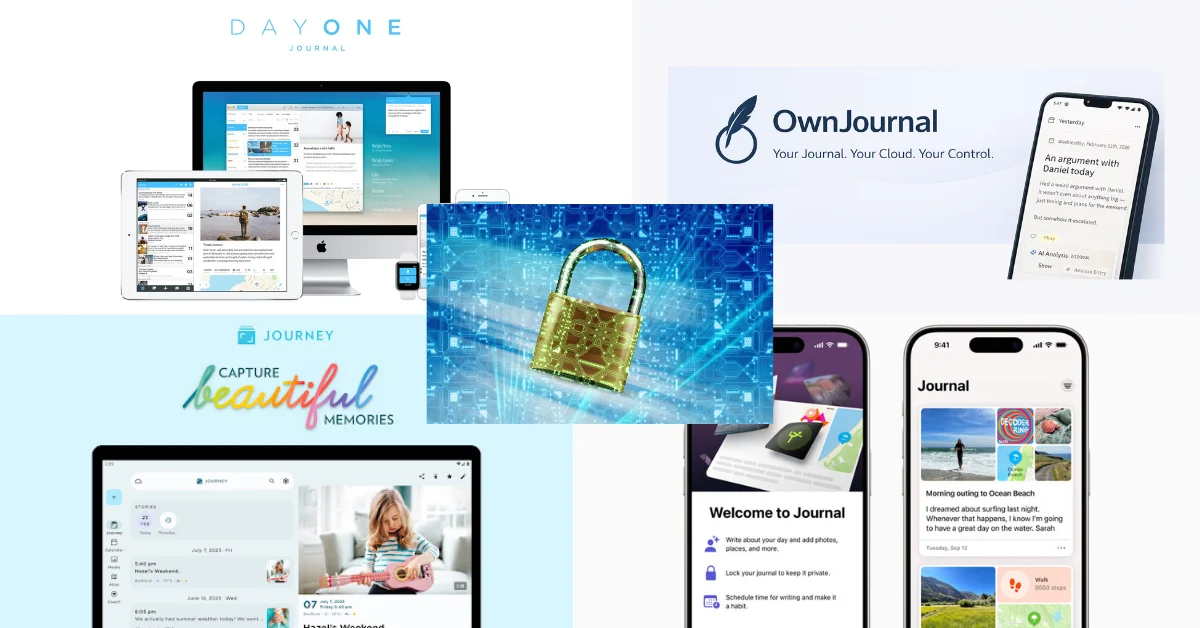
The Encrypted Winners at a Glance
- 🏆 Best for data ownership: OwnJournal — open source, your own cloud, optional E2EE
- ✍️ Best mainstream app: Day One — default E2EE, a published 2017 audit, polished writing experience
- 🍎 Best free for Apple users: Apple Journal — iCloud E2EE with 2FA and a device passcode
- 🌐 Best for Linux or Windows: Journey — opt-in E2EE on the only app with a native Linux client
Honourable mentions: Standard Notes and Obsidian — note apps strong enough to use for journaling if audited encryption is your top priority.
Jump to: Comparison table · How to choose · Newer apps to watch · Apps that do not qualify
Four journaling apps document end-to-end encryption (E2EE) in 2026: OwnJournal, Day One, Apple Journal and Journey. Day One enables it by default. Apple Journal encrypts iCloud entries end to end when two-factor authentication and a device passcode are in place. OwnJournal and Journey require you to turn their E2EE modes on.
A handful of newer apps (DeepJournal, CortexOS) also claim E2EE but publish less detail about their architecture. Most other apps marketing themselves as “encrypted” or “secure” rely on transport or at-rest encryption where the company still holds your keys — which is not the same thing.
This guide covers the four documented picks in depth, explains what “encrypted” actually means, and names the apps that use privacy marketing without the privacy architecture to match. For the deeper why behind encryption for journals specifically, see our journaling app privacy guide.
Prices and encryption details verified April 2026 against vendor security pages. Check official sites before purchasing.
What “encrypted” actually means
The word does three different jobs, and vendors rely on the ambiguity.
Transport encryption (TLS) protects your entries while they travel between your phone and the server. Every reputable app has this — it is the baseline, not a privacy feature. It does not protect you from the company itself.
At-rest encryption protects the database on the company’s servers from external attackers. But the company holds the decryption keys, and employees can — and at some companies explicitly do — access customer content for troubleshooting.
Notion is the most common example among apps used for journaling.
End-to-end encryption (E2EE) encrypts entries before they reach the sync provider, using keys the provider does not normally hold. A correctly implemented service sees ciphertext rather than journal text. That materially limits provider access, but it does not eliminate risks from compromised devices, shared credentials, exports, backups, metadata, or recovery mechanisms.
If the company could not theoretically read your journal, that is end-to-end encryption. If the company promises not to, that is a privacy policy.
The four apps ranked below have well-documented E2EE and clear the bar comfortably. Most other apps we checked do not — and a few newer entrants make E2EE claims we cannot yet verify with confidence.
The Apps
OwnJournal — Best for Data Ownership
- Price: Free with unlimited entries and optional E2EE. Plus adds AI mood analysis and PDF/Word export at $19.99/year.
- Platforms: Web, Android, iOS (iPhone & iPad), Desktop (Electron).
- E2EE: Optional on the free tier. Enable it in settings when you want entries encrypted before they sync to your storage provider.
- Storage: Your own cloud — Google Drive, Dropbox, iCloud Drive, or Nextcloud. OwnJournal’s servers never hold your entries.
- Open source: Yes, AGPL-3.0 (full stack).
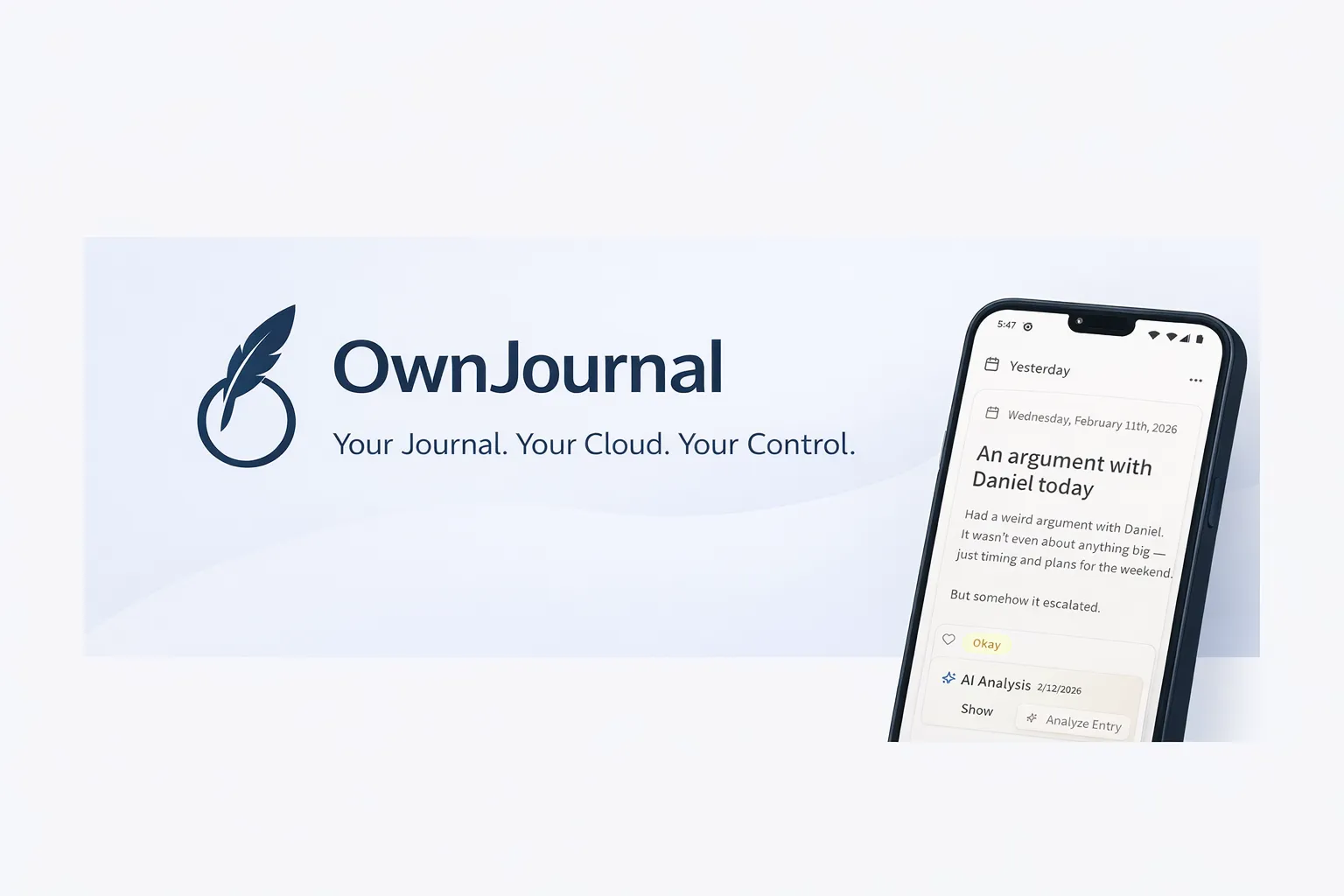
OwnJournal takes a structurally different approach from every other app on this list. It does not store journal entries on OwnJournal’s servers; they sync directly to storage you control. With optional E2EE enabled, that storage receives ciphertext. With it disabled, the connected cloud account can hold readable entries.
OwnJournal’s servers do not hold your entries. They remain in your chosen storage, and they are ciphertext there only when you enable the optional encryption setting.
The full codebase is open source under AGPL-3.0, so the encryption implementation can be inspected rather than assessed only from a marketing page. Source availability does not by itself audit a release or prove which build is running, but it gives reviewers evidence that closed-source products do not expose.
Honest caveats.
OwnJournal is a newer project and has not yet commissioned a formal third-party audit. Its published source lets reviewers inspect the intended implementation, but source availability alone does not verify every security claim or distributed build.
The free tier is genuinely usable for daily journaling, but the AI analysis and polished export formats sit behind the $19.99/year Plus tier.
| ✅ Free tier includes | ⚠️ Watch out for |
|---|---|
| Unlimited entries; optional E2EE is free | No physical book printing |
| Storage in your own cloud (Drive/Dropbox/Nextcloud) | No third-party security audit yet |
| Mood tracking, tags, markdown | Small community — active but early |
| Multi-device sync, offline mode | AI features and PDF/Word export are paid |
| JSON backup export | — |
Best for: Readers who want user-owned storage, inspectable code, and optional E2EE — especially Android, Linux, or self-hosting users.
Skip if: You want a third-party-audited solution with a long operational track record.
↓ See OwnJournal in the comparison table
Day One — Best Mainstream Encrypted Journal
- Price: Basic (free) includes E2EE. Silver $49.99/year adds multi-device sync and unlimited media. Gold $74.99/year adds AI reflection features.
- Platforms: iOS, iPadOS, macOS, Android, Windows (March 2025), web. No Linux client.
- E2EE: Default on all tiers, AES-256-GCM with RSA-2048 key wrapping. Architecture audited by nVisium in 2017 — the audit has not been updated since.
- Storage: Company servers (AWS).
- Open source: No. Proprietary.
- Owner: Automattic (WordPress parent, acquired June 2021).
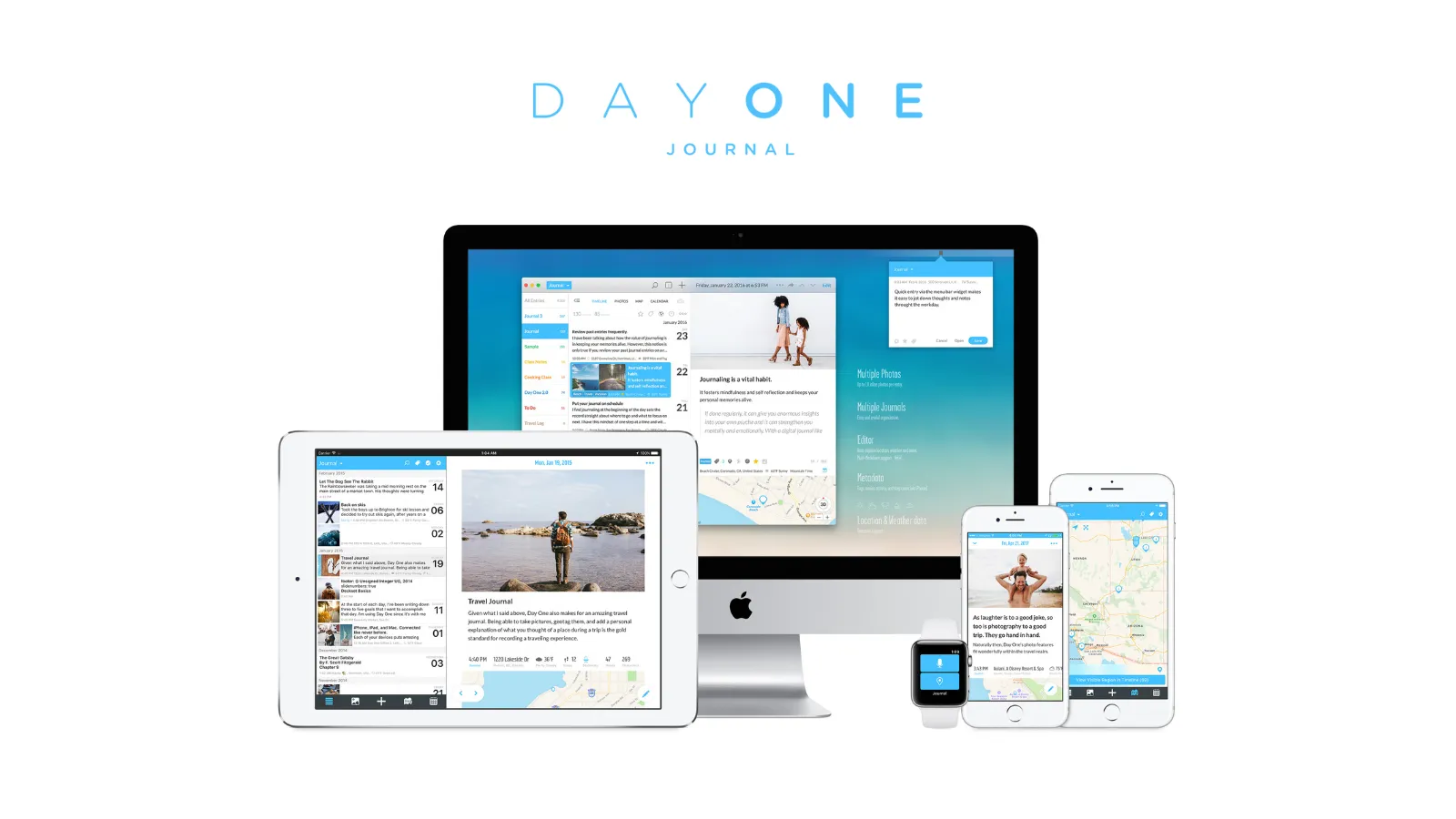
Day One has the most documented encryption architecture in the category. The public whitepaper describes a multi-layer key hierarchy: each entry is encrypted with its own AES-256-GCM key, which is itself wrapped by the journal’s RSA-2048 public key, which is itself wrapped by a vault key, which is wrapped by an account master key. Your master key never touches Day One’s servers and is stored in iCloud Keychain by default.
End-to-end encryption is now listed as a Basic (free) tier feature on Day One’s pricing page, with no paywall. The architecture was reviewed by nVisium in 2017 — Day One is the only mainstream journaling app in this roundup with a public third-party audit, though the nine-year-old report has not been refreshed.
The trade-offs are closed source and ownership dependency. Day One is proprietary code owned by Automattic since 2021 — you are trusting that the architecture described matches the code running on their servers. The writing experience is the best in the category, with multimedia entries, “On This Day” memory resurfacing, and physical book printing that no other app offers.
| ✅ Free Basic tier includes | ⚠️ Watch out for |
|---|---|
| Unlimited entries with E2EE | Silver ($49.99/year) needed for sync |
| Daily prompts, tags, search | No native Linux client |
| 1 photo per entry on Basic | Highest paid tier in the roundup |
| Export (JSON, PDF, plain text) | Proprietary — trust-dependent |
| nVisium-audited architecture (2017) | Android version less capable than iOS |
Best for: Users who want a rich writing experience with E2EE by default and a published 2017 audit history, and who accept the limits of a proprietary, trust-dependent app.
Skip if: You use Linux as a primary platform, want open-source verifiability, or need robust Android parity.
↓ See Day One in the comparison table
Apple Journal — Best Free for Apple Users
- Price: Free. Built into iOS, iPadOS, and macOS.
- Platforms: iPhone, iPad (iPadOS 26+), Mac (macOS Tahoe+). Cross-Apple since 2025. No Android, no Windows, no web.
- E2EE: Default on with two-factor authentication and a device passcode — no Advanced Data Protection required.
- Storage: iCloud.
- Open source: No.
- Owner: Apple Inc.
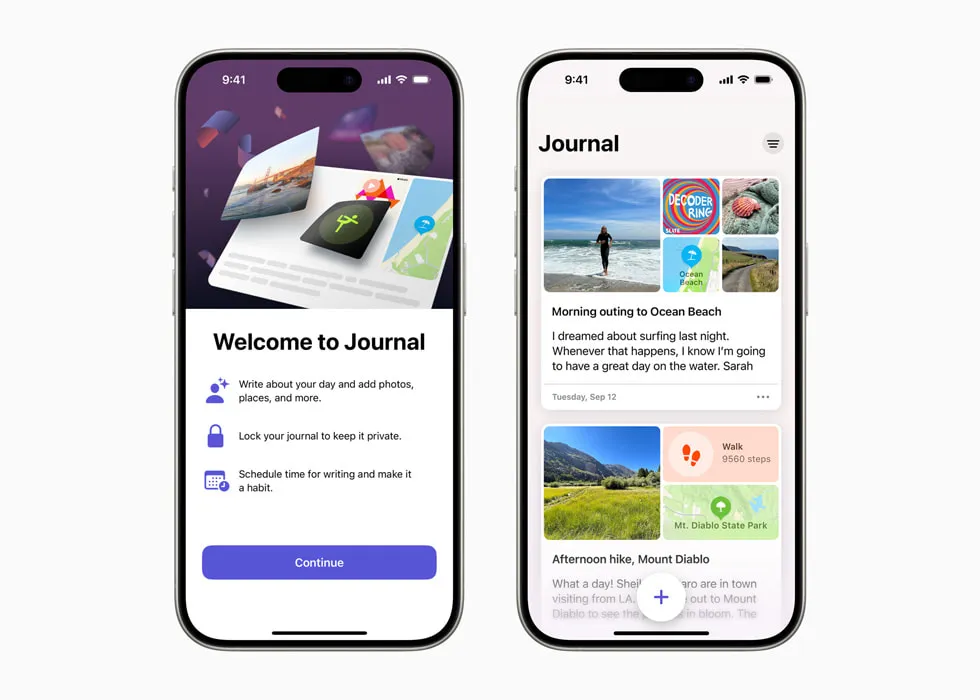
Apple documents a strong encrypted default for Journal data stored in iCloud when the account and device meet its conditions. Its Journaling Suggestions privacy documentation says that Journal entries in iCloud are end-to-end encrypted when two-factor authentication and a device passcode are enabled.
Apple documents E2EE for Journal data stored in iCloud when two-factor authentication and a device passcode are enabled; Advanced Data Protection is not required for that protection.
The app expanded from iPhone-only in 2023 to full iPhone, iPad, and Mac availability by 2025 — sync is handled by iCloud with consistent encryption across all three. The interface is minimal in a way that feels deliberate rather than unfinished: it uses on-device machine learning to suggest journaling moments based on photos, workouts, and music, and exposes almost no configuration.
The cost is ecosystem lock-in. There is no Android, Windows, or web client. Apple now lets you print, export, and back up entries, but you cannot keep using Journal outside Apple devices.
| ✅ Free tier includes | ⚠️ Watch out for |
|---|---|
| Default E2EE with 2FA + passcode | Apple ecosystem only |
| No monetisation pressure | Limited export options |
| On-device AI suggestions | No tags or categories |
| Face ID / Touch ID app lock | No “On This Day”-style memory surfacing |
| Cross-Apple sync via iCloud | Closed source |
Best for: Readers fully inside the Apple ecosystem who already use 2FA and a device passcode and want no subscription pressure.
Skip if: You use Android, Windows, Linux, or the web as a primary platform. You want rich export options or tagging.
↓ See Apple Journal in the comparison table
Journey — Best Encrypted Option for Linux and Windows
- Price: Free tier available. Membership $6.99/month or $49.99/year unlocks cross-platform sync.
- Platforms: iOS, Android, macOS, Windows, Linux, web. The only app in this roundup with a native Linux client.
- E2EE: Opt-in through Journey Cloud Sync. RSA for text, AES for media. Disables AI search when enabled.
- Storage: Your Google Drive, Journey Cloud Sync, or self-hosted.
- Open source: Partial — self-hosted sync server is CC-BY-NC-SA. Clients are proprietary.
- Owner: Two App Studio Pte. Ltd. (Singapore).

Journey is the only app on this list with a native Linux client, which makes it the default pick for users whose journaling happens across an iPhone, a Windows work laptop, and a Linux home machine. The E2EE story is strong when enabled — but “when enabled” is the key phrase.
End-to-end encryption is opt-in through Journey Cloud Sync. Once turned on, the passphrase you set is used to decrypt content on your devices, and it cannot be recovered if lost.
Journey explicitly warns that enabling E2EE disables search (because the server can no longer index your entries) and that AI features depending on server-side reading will not work. This is the clean trade-off any E2EE app faces — Journey just makes the choice explicit rather than hiding it.
The default sync option is Google Drive, in which case Journey’s servers do not hold your entries — they live in your own Drive account. This is a meaningful structural privacy benefit even without E2EE configured, similar to how OwnJournal works, though the encryption is then governed by your Google Drive, not Journey itself.
| ✅ Free tier includes | ⚠️ Watch out for |
|---|---|
| Basic text entries, capped at 60 total | Free tier is essentially a trial |
| Mobile + web | E2EE is opt-in, not default |
| Google Drive sync option | E2EE disables search and AI |
| 10 AI queries/day | Lost passphrase = unrecoverable entries |
| Coached journaling programs | Clients are proprietary |
Best for: Users who need Linux, want a native Windows app, and are willing to manage opt-in E2EE carefully.
Skip if: You want default-on encryption with no configuration. You rely heavily on journal search or AI features.
↓ See Journey in the comparison table
Before you keep reading
If privacy is why you landed here, these two deep-dives go further:
Honourable mentions: encrypted note apps used for journaling
These are note apps, not journaling apps — but their encryption architectures are strong enough that they are worth naming for readers whose top priority is audited zero-knowledge privacy.
Standard Notes — Strongest Audit Record
- Price: Free tier includes E2EE on plain-text notes. Productivity plan from approximately $90/year adds editors, files, and advanced features.
- Platforms: iOS, Android, macOS, Windows, Linux, web.
- E2EE: Default on, always. XChaCha20-Poly1305 with Argon2 key derivation.
- Audits: Third-party audited by Trail of Bits, Cure53, and Shackle Labs.
- Open source: Yes. Clients and server.
- Owner: Acquired by Proton AG in April 2024 — now Swiss-jurisdiction, aligned with Proton Mail’s encryption posture.
Standard Notes has the strongest independent audit record of any app named in this post. If audited zero-knowledge is your non-negotiable, this is the gold standard — with the honest caveat that it is a note app that happens to work well for journaling, not a journaling app with rich features like “On This Day” or multimedia entries.
Best for: Readers whose top priority is audited zero-knowledge encryption and who can adapt a note app to journaling use.
Skip if: You want journaling-specific features like memory resurfacing, photo-rich entries, or mood tracking out of the box.
↓ See Standard Notes in the comparison table
Obsidian (with Obsidian Sync) — Independently Verifiable E2EE
- Price: Free for local use. Obsidian Sync from $4/month (billed annually) adds E2EE sync.
- Platforms: Windows, macOS, Linux, iOS, Android. Data stored as local Markdown files.
- E2EE: Default on for Sync. AES-256-GCM with scrypt key derivation and HKDF — and Obsidian publishes a verification guide so you can confirm the encryption yourself.
- Open source: Core app is closed source with an open plugin API. Sync is closed.
- Owner: Dynalist Inc.
Obsidian’s standout feature for this roundup is that the encryption is independently verifiable by any user willing to follow their published guide — rare transparency for a closed-source product. The trade-off is that Obsidian is a personal knowledge management tool first, with a daily-notes plugin rather than a purpose-built journaling experience.
Best for: Power users comfortable with plain-text Markdown who want independently verifiable E2EE on every major platform.
Skip if: You want a journaling app that works out of the box without plugins or vault configuration.
↓ See Obsidian in the comparison table
Comparison table
| App | E2EE status | Price | Platforms | Open source | Third-party audit |
|---|---|---|---|---|---|
| OwnJournal | Optional, free tier | $0 free / $19.99 yr | Web, Android, iOS, Desktop | Yes (AGPL-3.0) | Not yet |
| Day One | Default, free Basic | $0 free / $49.99–$74.99 yr | iOS, iPadOS, macOS, Android, Windows, web | No | Yes (nVisium, 2017) |
| Apple Journal | Default with 2FA + passcode | $0 forever | iPhone, iPad, Mac | No | N/A |
| Journey | Opt-in via Cloud Sync | $0 limited / $49.99 yr | iOS, Android, macOS, Windows, Linux, web | Partial (server only) | No |
| Standard Notes | Default, always | $0 free / from ~$90 yr | iOS, Android, macOS, Windows, Linux, web | Yes | Yes (Trail of Bits, Cure53) |
| Obsidian Sync | Default for Sync | $4/mo (annual) | Windows, macOS, Linux, iOS, Android | Plugin API only | Verification guide published |
Newer encrypted journal apps to watch
These apps advertise E2EE or zero-knowledge encryption but publish less architecture detail than the four ranked picks. We have not yet verified them in depth and cannot yet recommend them with the same confidence.
DeepJournal — AI-focused journaling app advertising “end-to-end encrypted syncing” and “Confidential AI” insights. The public site does not document the encryption algorithm, key derivation, or a third-party audit. Free tier with a $20 per month Plus plan.
CortexOS — iOS-only app claiming a zero-knowledge architecture with AES-256-GCM, Argon2id key derivation, hardware-backed key storage and on-device AI using Meta’s Llama 3.2. Smaller user base, no published third-party audit. Free tier, $9.99 per month, or $199.99 lifetime.
OpponentBook — Niche journal for competitive athletes in sixteen individual sports. Notes are written to your own Google Drive, Dropbox or iCloud rather than the company’s servers, with optional AES-256-GCM encryption applied on-device. Encryption is opt-in rather than default, photos and video are not covered by it, the code is closed source, and there is no third-party audit. Free tier, paid plans from $9.99 per month.
All three are worth trying carefully once they ship on your platform. We will revisit them once their documentation matures or a third-party audit is published.
Apps that claim “privacy” but are not end-to-end encrypted
These apps market themselves as private or secure but do not offer real E2EE. If that is your priority, pick from the list above instead.
Stoic — Homepage language mentions secure storage and device backup, but no E2EE is claimed and no security page documents the architecture. Do not assume encryption from marketing copy alone.
Daybook — States data is encrypted in transit to Daybook’s cloud. This is transport encryption, not end-to-end. Daybook holds the keys.
Daylio — Stores data in the app’s private directory on your device and syncs via Google Drive or iCloud. Strong device-level privacy, but no E2EE — the encryption posture depends on your Drive or iCloud settings, not Daylio itself.
Diarium — Offers password-protected local storage and sync via your own OneDrive, Google Drive, or Dropbox account. Privacy-adjacent because Diarium holds no cloud data, but the vendor documents no E2EE algorithm. Strong model; not strictly “encrypted” in the E2EE sense.
Notion — Encrypted at rest and in transit, but Notion holds the keys and employees can access customer content for troubleshooting. If you use Notion for journaling, our Notion journal setup guide covers the workarounds, and our privacy guide explains why the architecture is unsuitable for sensitive writing.
Which app should you choose?
If data ownership and inspectable code are your priorities: Consider OwnJournal, then enable its optional E2EE. Its bring-your-own-storage design keeps entries off OwnJournal’s servers, while the AGPL-3.0 codebase makes the implementation inspectable. Your cloud account, devices, backups, and encryption setting still matter.
If you want mainstream polish with audited E2EE: Pick Day One. The writing experience is the best in the category and the architecture is the most documented. Expect to pay for multi-device sync.
If you are entirely on Apple devices and already use 2FA plus a device passcode: Pick Apple Journal. It is free forever, and under those account conditions Journal entries stored in iCloud use E2EE without requiring Advanced Data Protection.
If you need Linux, Windows, and cross-platform coverage: Pick Journey, and turn on Cloud Sync with E2EE immediately after signing up. Expect to lose search in exchange for the encryption.
If audited zero-knowledge is your number-one priority and you can adapt a note app to journal use: Pick Standard Notes. The Trail of Bits and Cure53 audits plus the Proton ownership give it the strongest verification story.
Do this today
Open the settings of whatever journaling app you use now. Look for the words “end-to-end encryption,” “zero-knowledge,” or “encrypt before sync.” If the app has the setting and it is turned off, turn it on.
If the app does not have the setting at all, your entries are readable by the company — and one of the four apps above will take five minutes to set up and migrate to.
Frequently Asked Questions
Which journaling apps have real end-to-end encryption in 2026?
Four journaling apps have documented end-to-end encryption: OwnJournal, Day One, Apple Journal, and Journey. Day One enables it by default; Apple Journal uses E2EE in iCloud when two-factor authentication and a device passcode are in place. OwnJournal offers it as an optional setting on the free tier, while Journey makes it opt-in through Cloud Sync. Newer entrants such as DeepJournal and CortexOS also claim E2EE, but have less public documentation than the four above. Most other journaling apps rely on transport or at-rest encryption where the company still holds the keys.
What is the difference between encrypted and end-to-end encrypted?
Encrypted can mean several things. Transport encryption (TLS) protects entries in transit, while at-rest encryption protects stored media or databases; in both models the service may still hold the keys needed to read content. End-to-end encryption encrypts content before it reaches the sync provider and is designed so that provider does not hold the content key. It limits provider access, but device compromise, sharing, exports, backups, metadata, and recovery design still matter.
Is Apple Journal end-to-end encrypted?
Yes — provided you have two-factor authentication on your Apple ID and a device passcode. Apple’s privacy documentation states that under those conditions, Journal entries are end-to-end encrypted in iCloud and even Apple cannot read them. This does not require Advanced Data Protection.
Does end-to-end encryption work on free tiers?
Yes for Apple Journal, Day One Basic, and OwnJournal — all three include E2EE without a dedicated encryption surcharge, though OwnJournal requires you to enable it and Apple requires two-factor authentication plus a device passcode. Journey’s E2EE requires Journey Cloud Sync and disables search and Odyssey AI when turned on. Paid plans may still be required for sync, storage, or other features.
What happens if I lose my encryption key?
Recovery depends on the app’s key design. Some E2EE modes make encrypted entries unrecoverable if you lose the only password or key; others provide device- or account-based recovery with different trust trade-offs. Check the recovery flow before relying on any encrypted journal. Apple Journal ties recovery to the Apple ID and trusted-device system, which is why its E2EE depends on two-factor authentication and a device passcode.
Are open source journaling apps more private?
Open source is not the same as private, but it lets reviewers inspect the intended implementation. That is evidence, not proof of the distributed build and not a substitute for an independent audit. OwnJournal is the only journaling app in this roundup with a fully open-source codebase (AGPL-3.0). Day One, Apple Journal, and Journey are proprietary — their encryption has been described publicly and, in Day One’s case, audited by nVisium, but the code itself is not inspectable.