Notion vs Day One: Which Is Better for Journaling in 2026?
Notion vs Day One compared on privacy, end-to-end encryption, pricing, and writing experience — including a verdict on which is worth your money in 2026.
Updated on: July 21, 2026
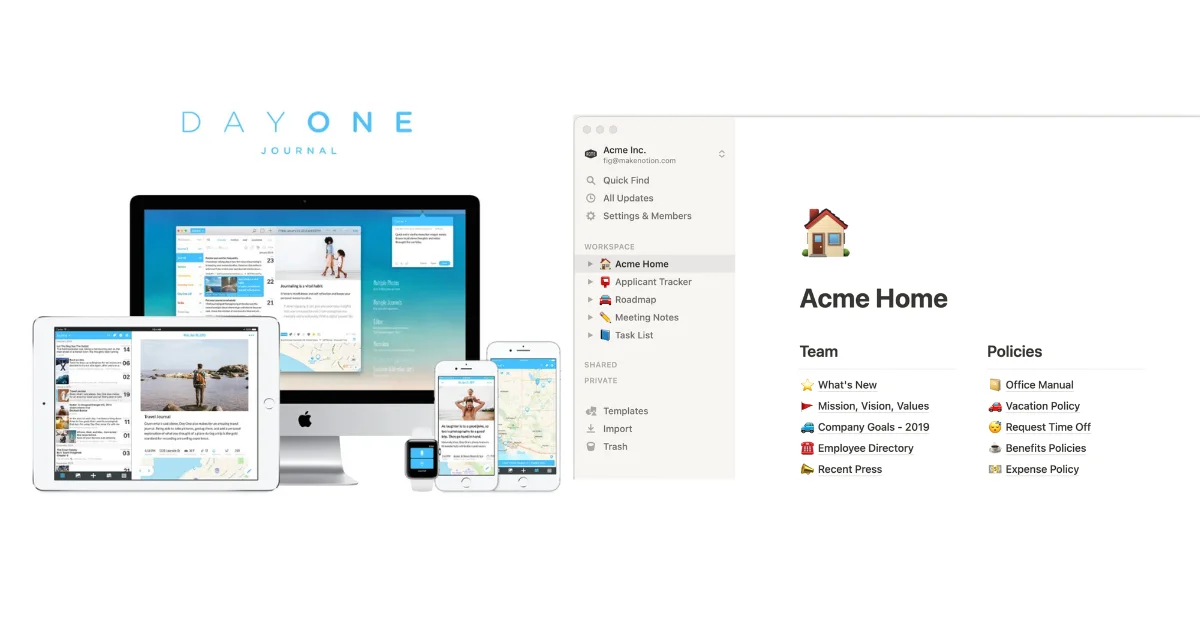
Day One is a purpose-built journal. Notion is a productivity tool you can adapt into a journal. Neither description is a criticism — they suit different people.
Day One wins on privacy, writing focus, and journaling-specific features like On This Day and physical book printing. Notion wins on customisation, integration with your existing workspace, and a free tier that works across every device with no restrictions.
If you are new to journaling and want to start without setup, choose Day One. If you already live in Notion and want your journal inside the same workspace, Notion is worth the trade-offs.
Verdict at a Glance
🏆 Day One
Best if you want a polished, privacy-first journaling experience — especially on Apple devices.
🗂️ Notion
Best if you are already a Notion user and want your journal inside your existing workspace.
Best if data ownership is non-negotiable — open source, BYOS model, cheapest paid tier at $19.99/year.
All three reflect meaningfully different priorities. The right choice depends on how much you value privacy, flexibility, and journaling-specific features.
Jump to: Essentials table · Full comparison · How to choose
The essentials
| Day One | Notion | OwnJournal | |
|---|---|---|---|
| Price (with AI) | $74.99/yr (Gold) | From ~$15/mo (Business) | $19.99/yr |
| E2EE on by default | ✅ Yes — all tiers | ❌ No E2EE; AES-256 at rest and TLS in transit | Optional — BYOS with Simple or E2EE mode |
| Free tier | 1 device, unlimited text | Unlimited pages, all devices | Unlimited, multi-device |
| Platforms | iOS, macOS, Android, Windows, web | iOS, Android, macOS, Windows, web | Web, Android, iOS, desktop |
| Purpose-built for journaling | Yes | No — general productivity tool | Yes |
For a broader look at more apps beyond these three, see our full journaling app roundup.
Day One
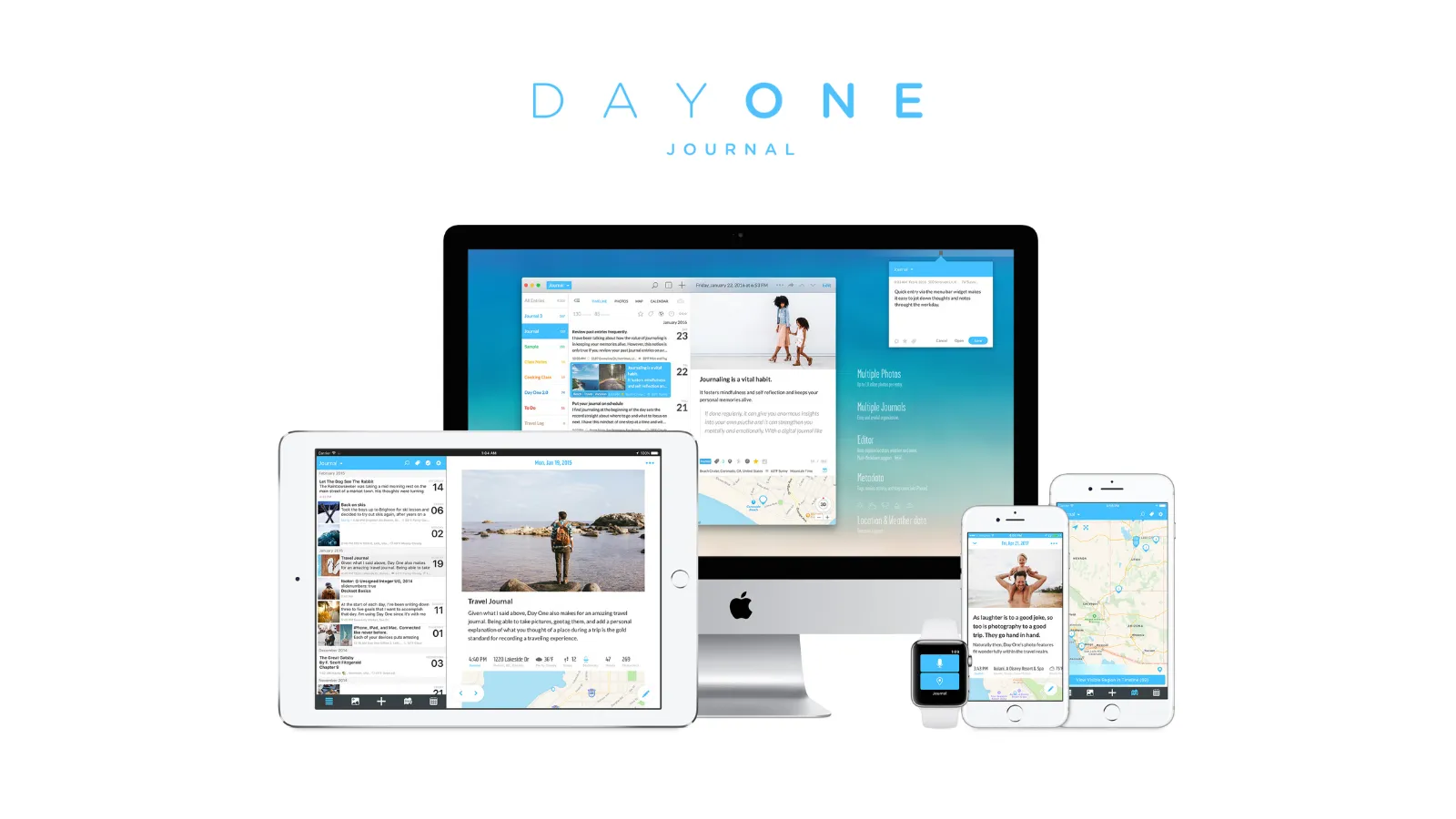
Day One has been in continuous development since 2011, built by a small team in Utah and acquired by Automattic in June 2021. The acquisition brought resources without changing direction; the founding team remains.
Pricing
Day One introduced the Silver and Gold tier names in March 2026. An earlier restructuring in August 2025 removed the old $34.99/year price point, which many review sites still show — that figure is no longer accurate.
Basic (free): Unlimited text entries, unlimited journals, end-to-end encryption, daily prompts, templates, On This Day, export, and one photo per entry. Limited to a single device. If you journal on one device only, the free plan is genuinely usable long-term.
Silver ($49.99/year): Everything in Basic, plus unlimited photos and videos, audio recordings with transcription, multi-device sync, email journaling, Strava integration, and physical book printing. No monthly billing option exists.
Gold ($74.99/year): Everything in Silver, plus AI features — Daily Chat, Go Deeper prompts, entry summaries, title suggestions, and AI image generation. Launched March–April 2026.
Day One pricing verified April 2026. Check dayoneapp.com/pricing before purchasing — third-party sites frequently show outdated figures.
Privacy and encryption
Under Day One’s documented E2EE design, its sync servers store journal ciphertext and the service does not hold the content-decryption key. Devices, metadata, recovery, exports, and backups remain separate parts of the threat model.
End-to-end encryption has been enabled by default for all new Day One journals since 2019, across all tiers including the free Basic plan. Day One uses AES-256-GCM encryption, and their encryption documentation confirms that servers store only ciphertext — the decryption keys are never held by Day One, though they are stored in iCloud for cross-device sync.
For a journaling app — where you are likely writing things you would not want read by a stranger — this distinction matters significantly. For more on what encryption actually means in practice, see Is Your Journal Actually Private?.
A third-party security review by nVisium identified and addressed several medium-severity and low-severity issues. No updated audit has been published since, which is a legitimate gap that most review sites do not acknowledge.
Platforms
Day One does not have a native Linux client. It offers apps for iOS, macOS, Android, and Windows — the Windows app launched on 18 March 2025 — plus a separate web app and Apple Watch support for quick entries. The Android and Windows clients are less mature than the Apple apps, so check the current feature list if a particular capability matters to you.
Writing experience
In our assessment, Day One has the cleanest writing experience in the journaling category. The interface is minimal — you open the app, tap New Entry, and write. Automatic metadata attaches without any input: weather, location, moon phase, step count, and — where music permissions allow — the track playing at the time of writing.
The On This Day feature surfaces entries from past years on the current date. It becomes more valuable every year you use the app, and it is, in our assessment, the single feature most likely to create lasting attachment to Day One.
The physical book printing feature is unique in the category. You can order a 5.5” × 8.5” hardcover or paperback of any journal starting at $19.99 — a detail that changes how people think about the permanence of their writing.
ℹ️ Worth knowing if you write about difficult periods
”On This Day” is content-unaware — it surfaces a difficult entry from three years ago alongside a happy holiday memory. It can be disabled in settings, which we recommend for therapeutic writing. See our guide to journaling apps for anxiety and depression for more.
AI features
Day One’s Gold tier ($74.99/year) launched in March–April 2026 and includes Daily Chat — a conversational AI mode where an AI asks follow-up questions, engages with your writing, and converts conversations into journal entries. Additional Gold features include Go Deeper prompts, entry summaries, title suggestions, and AI image generation.
All AI features are opt-in and clearly labelled. Day One states that conversations are processed temporarily, deleted after use, and never used for training — but some processing routes through third-party services, which is a trade-off to accept if zero-knowledge privacy matters to you.
What Day One has and doesn’t
| ✅ Strengths | ⚠️ Gaps and genuine weaknesses |
|---|---|
| Always-on E2EE (AES-256-GCM) across all tiers | Single-device limit on free tier |
| Cleanest writing experience in the category | No mood tracking or habit tracking |
| Physical book printing — unique among journaling apps | Android and Windows clients less mature than iOS |
| Automatic metadata (weather, location, moon phase, steps) | No monthly billing — annual only |
| On This Day and 15 years of iteration | Security audit from nVisium — not publicly updated since |
| No setup required — works immediately | Gold tier AI ($74.99/yr) launched only March 2026 |
Best for: Users who want a focused, long-term journaling practice with genuine privacy — especially those primarily on Apple devices. We consider it the right default for anyone new to dedicated journaling apps.
Skip if: You want your journal inside your existing productivity workspace. You need database-level filtering and analysis of your entries. You want to journal across multiple devices without paying.
↓ See Day One in the full comparison table
Before you keep reading
If privacy is the deciding factor, these are worth reading first:
Notion
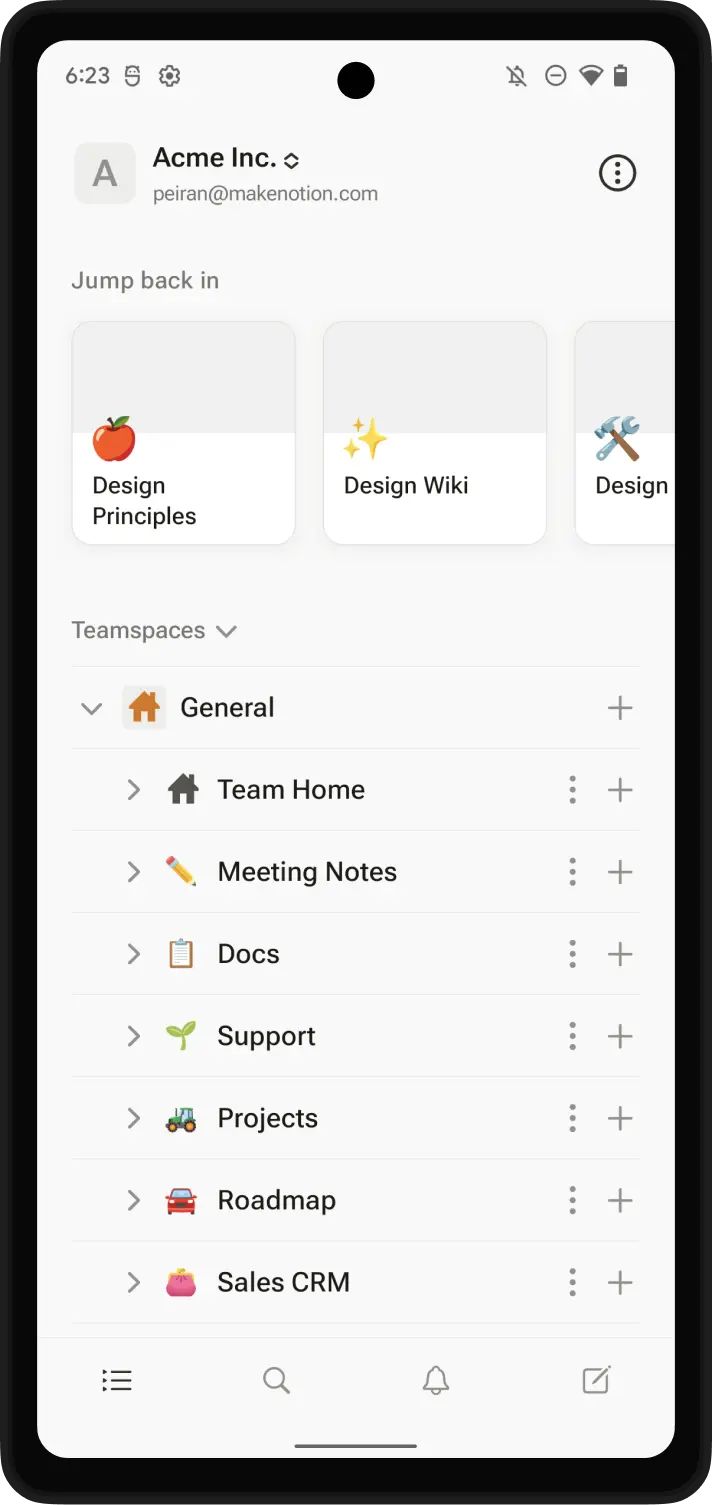
Notion is a general-purpose productivity workspace used by tens of millions of people for notes, project management, wikis, and databases. It was not designed for journaling — but its flexibility means you can build a journaling system inside it that rivals dedicated apps in specific respects.
Pricing
Free: Unlimited pages and blocks for individual use, 5 MB file uploads, 7-day page history, and a limited Notion AI trial. Works across all your devices with no entry caps. For a solo journaler, the free tier is genuinely usable indefinitely.
Plus (~$10/month, billed annually): Unlimited file uploads, 30-day page history, unlimited chart views, and a limited AI trial. Most individual journalers on the Plus plan will want AI features but will find them restricted.
Business (from ~$15/month, billed annually): Notion AI features included — Notion Agent (completes multi-step tasks), AI Meeting Notes, plus enterprise features like SAML SSO and granular permissions. This is the tier you need for full AI journaling analysis. (Verify current AI tier details at notion.com/pricing, as AI bundling has changed recently.)
Pricing verified April 2026. Check notion.com/pricing for current USD rates before purchasing.
Privacy and encryption
Notion does not offer end-to-end encryption at any tier. It encrypts stored data and network traffic, but Notion — rather than only your devices — controls the decryption keys.
This is the single most important thing to know about journaling in Notion. There is no E2EE option, no zero-knowledge architecture, and no way to change this at any price tier. Notion’s security overview confirms that data is encrypted at rest (AES-256) and in transit (TLS), but the encryption keys are held by Notion, not you.
Notion holds SOC 2 Type 2 certification and ISO 27001/27701 compliance — solid infrastructure security, but not a substitute for E2EE when your entries are the asset you are protecting.
For many journaling topics — productivity reflections, goal tracking, daily notes on work — this is probably acceptable. For anything involving sensitive personal information, health concerns, or private thoughts you would not want read, Notion is not the right choice.
Platforms
Notion is web-first, with native apps for iOS, Android, macOS, and Windows. Because it runs in any browser, it also works on Linux and Chrome OS without a native client.
Notion launched offline mode in August 2025, which allows viewing, editing, and creating downloaded pages without internet on desktop and mobile. The caveat is meaningful: embeds, forms, and buttons require a live connection, and Notion downloads up to 50 pages from the current view of a database for offline use. For straightforward text journaling, offline can work well; database-heavy setups need more care.
Writing experience and customisation
Notion’s real advantage is not the writing experience — it is what you can do with your entries after you write them.
Notion’s writing interface is functional but not optimised for journaling. There is no automatic metadata, no weather or location tagging, no On This Day. You open a page and type.
What Notion does uniquely well is database-powered analysis. A properly configured Notion journal — with mood properties, tags, energy ratings, and multiple views — lets you filter entries by emotion, sort by energy level, and chart patterns across months. Our Notion journal setup guide walks through exactly how to build this system.
This kind of longitudinal self-analysis is something Day One cannot match. If your journaling practice is more about pattern recognition than daily writing, Notion’s architecture is genuinely more powerful.
The setup cost is real, though. Building a meaningful Notion journal system takes several hours. Day One requires none.
AI features
Notion’s AI tier structure changed significantly in 2026. Free and Plus users receive a limited AI trial — enough to try prompts and basic summarisation. Full Notion AI, including the Notion Agent that can complete multi-step tasks across your workspace, is bundled into the Business plan (from ~$15/month).
For journalers, the compelling use case is asking Notion AI what themes appear across the last 30 entries, or having it summarise a month of writing. Using the feature can send relevant workspace content to Notion’s AI subprocessors. Notion says those providers are contractually prohibited from using customer data to train their models, but the additional processing is still part of the privacy trade-off.
At full cost, Notion Business for AI runs $180+/year. Day One Gold with AI is $74.99/year. For AI journaling features alone, Day One is the better value.
What Notion has and doesn’t
| ✅ Strengths | ⚠️ Gaps and genuine weaknesses |
|---|---|
| Generous free tier — unlimited pages, all devices | No end-to-end encryption — not available at any tier |
| Database-powered entry filtering and analysis | Full AI requires Business plan (~$180+/yr) |
| Integrates with your existing Notion workspace | Requires setup — not ready out of the box |
| Offline mode (launched August 2025) | Up to 50 pages from a database view downloaded offline |
| Highly customisable — build exactly what you need | No automatic metadata (weather, location, moon phase) |
| Runs in browser — works on Linux and ChromeOS | No On This Day or journaling-specific features |
| SOC 2 Type 2 and ISO 27001 certified | Entries stored on Notion servers; Notion controls the keys |
Best for: Active Notion users who want their journal inside their existing workspace. Productivity-oriented journalers who want to filter, sort, and analyse entries over time. People who value deep customisation over immediate convenience.
Skip if: You write about sensitive or private topics. You want journaling to be effortless with no initial setup. You want journaling-specific features like On This Day, automatic metadata, or physical book printing.
↓ See Notion in the full comparison table
OwnJournal
If the privacy gap between Notion and Day One is the deciding issue, there is a third option that takes a structurally different approach.
OwnJournal does not operate the content store for your entries. Instead, you connect Google Drive, Dropbox, Nextcloud, or iCloud, and the journal files live there. That removes an OwnJournal entry database from the storage path, but it is not absolute protection: your provider account, devices, backups, recovery setup, and app delivery remain relevant. In Simple mode, the connected provider can hold readable copies; optional E2EE is the mode intended to prevent that.
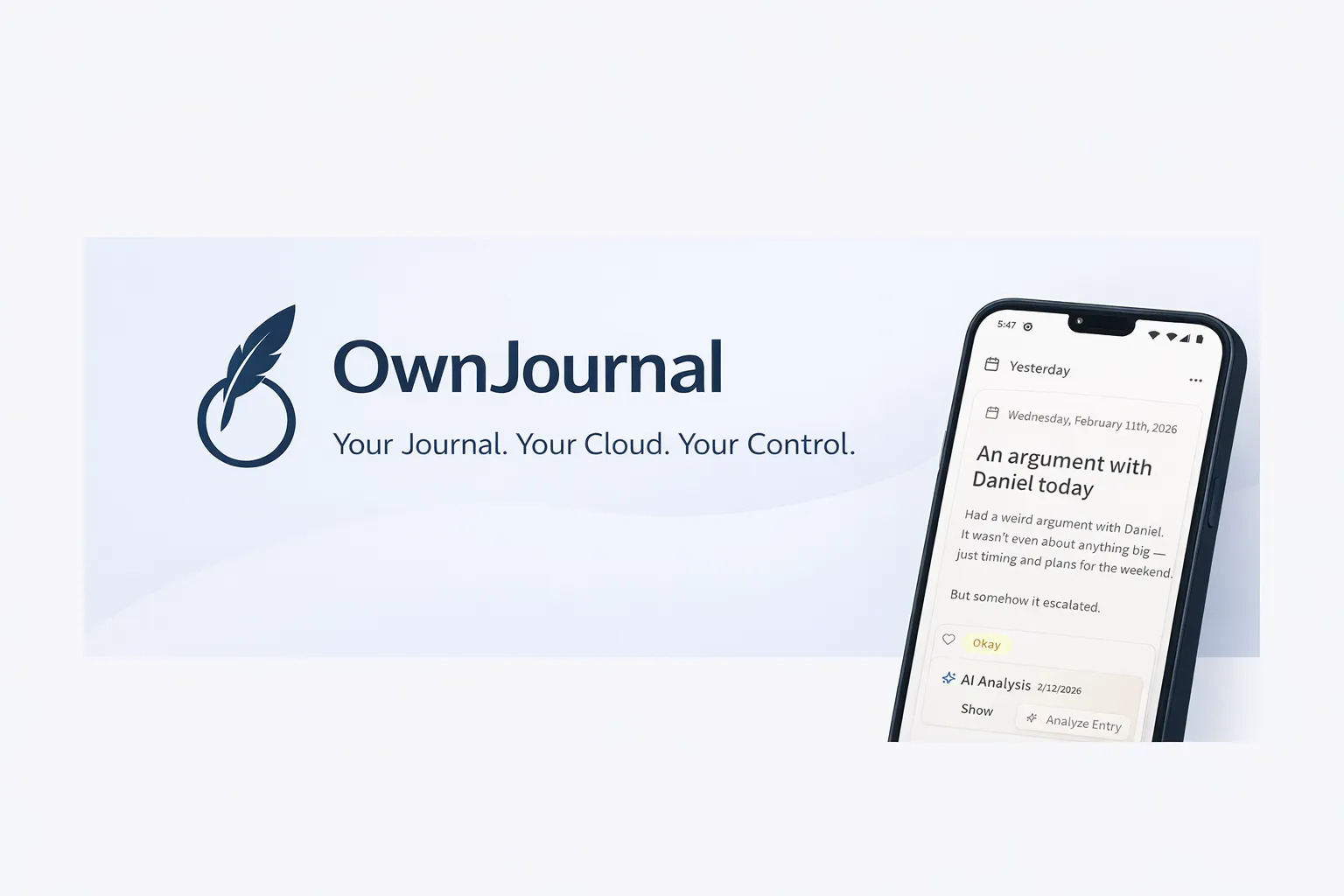
The intended implementation is publicly inspectable under AGPL-3.0. That is useful evidence, but source availability does not prove which build is running or replace an independent audit. The free tier includes unlimited entries across devices, emoji mood tracking, activity tagging, a mood-calendar heatmap, and mood statistics. The premium tier ($19.99/year) adds AI mood analysis and Activity-Mood Correlations — descriptive patterns that should not be read as causation.
OwnJournal is newer than Day One and Notion, with fewer multimedia features. It does not offer the writing experience of Day One or the database power of Notion. Its appeal is the different storage choice: bring your own provider and decide whether to add E2EE, while accepting the setup and recovery responsibilities that follow.
Best for: Users for whom storage choice is a primary requirement — those who value inspectable source, optional E2EE, and an affordable paid tier. Good if you are already on Android and want mood tracking alongside writing.
Skip if: You want the richest multimedia writing experience, or need the deep customisation of a database journal. OwnJournal is younger and has fewer features than either Day One or Notion.
Notion vs Day One: side-by-side comparison
| Day One | Notion | OwnJournal | |
|---|---|---|---|
| Price (free) | Free (1 device) | Free (all devices) | Free (all devices) |
| Price (full features) | $49.99–$74.99/year | Plus ~$10/mo; Business ~$15+/mo | $19.99/year |
| Price (with AI) | $74.99/year (Gold) | ~$15+/month (Business) | $19.99/year |
| E2EE default | Yes — all tiers including free | Not available at any tier | No — optional E2EE; Simple mode is also available |
| Data location | Automattic servers (USA) | Notion servers (USA) | Your own cloud storage |
| Open source | No | No | Yes (AGPL-3.0) |
| Platforms | iOS, macOS, Android, Windows, web | iOS, Android, macOS, Windows, web | Web, Android, iOS, desktop |
| Purpose-built for journaling | Yes | No | Yes |
| Setup required | None | Several hours | Minimal |
| Offline access | Full | Improved (Aug 2025); downloaded DB views capped | Browser-dependent |
| Automatic metadata | Yes (weather, location, steps) | No | No |
| On This Day | Yes | No | No |
| Mood tracking | No | Manual (database property) | Yes (emoji + activity tags) |
| Guided prompts | Yes (daily prompts, templates) | Manual (template required) | No |
| AI features | Gold tier ($74.99/yr) | Business plan (~$15+/mo); limited trial on Free/Plus | Premium ($19.99/yr) |
| Physical book printing | Yes (from $19.99) | No | No |
| Database / analytics | Limited | Excellent | Limited |
| Security audit | nVisium (E2EE review, not recently updated) | SOC 2 Type 2 + ISO 27001 (infrastructure) | None |
| Company age | 15 years | ~10 years | ~1 year |
What do you actually get for free?
| Day One (Basic) | Notion (Free) | OwnJournal (Free) | |
|---|---|---|---|
| Text entries | Unlimited | Unlimited | Unlimited |
| Devices | 1 device only | All devices | All devices |
| Text formatting | Yes | Yes | Yes |
| E2EE | Yes | No; provider-managed encryption instead | Optional |
| Offline access | Full | Yes (text); limited for databases | Limited |
| Photos | 1 per entry | Yes (5 MB per file) | Yes |
| Search | Yes | Yes | Yes |
| AI features | No | Limited trial | No |
| Mood tracking | No | Manual only | Yes |
| Database views | No | Yes | No |
| Templates | Yes | Yes (100+ in marketplace) | No |
| Export | Yes | Yes | Direct file access |
If you want to journal without paying, Notion’s free tier is the most flexible — unlimited pages on all devices — but it requires you to build the system yourself and offers no end-to-end encryption. Day One’s free tier is the easiest to start with, but the single-device restriction is a real constraint for most people. OwnJournal’s free tier sits between the two: unlimited entries on all devices, with mood tracking built in, stored in your own cloud.
The privacy gap is bigger than it looks
The encryption difference between Day One and Notion deserves more emphasis than most comparison articles give it.
Consider a valid legal demand. Notion can disclose readable workspace content it holds because the service controls the processing keys. Under Day One’s documented E2EE model, the provider-held journal-content copy should be ciphertext, although Day One may still hold account data and metadata that can be disclosed. The content claim assumes the implementation and key handling work as documented; the published nVisium review tested an older 2017 version.
This is not merely hypothetical. Legal requests, storage breaches, and provider-side access interact differently with readable content and ciphertext. E2EE can materially limit some of those paths, but it does not stop compromise of an unlocked device, account recovery, exports, or every metadata disclosure.
For journaling specifically — where people often write about health, relationships, mental health, and private struggles — this architectural difference has practical consequences. Our privacy deep dive covers the full picture across all major apps.
The privacy verdict, plainly stated
If your threat model requires the service provider to be unable to decrypt sensitive entries, Notion is not a fit. Day One’s always-on E2EE provides a materially stronger architecture for that requirement.
Which app should you choose?
You should choose Day One if:
- You want a dedicated journaling app that works immediately with no setup
- Privacy matters — you write about personal, sensitive, or private topics
- You are primarily on Apple devices and want the best native experience
- You want features that only make sense in a journal: On This Day, automatic metadata, physical book printing
- You are willing to pay $49.99–$74.99/year for the best dedicated experience
You should choose Notion if:
- You are already an active Notion user with an existing workspace
- You want your journal inside the same tool where you manage projects, notes, and tasks
- You want database-powered analysis — filtering by mood, sorting, charting patterns over time
- Your journaling topics are relatively non-sensitive (productivity notes, goal tracking, project reflections)
- You want a free tier that works across all your devices without any restrictions
You should consider OwnJournal if:
- Storage choice is your primary requirement and you want to inspect the published implementation
- You want mood tracking and activity insights with the option to add E2EE
- You are on Android or primarily use the web
- The $19.99/year price point appeals alongside storage choice and optional E2EE
You should look elsewhere if:
- You want a completely free Apple-only app whose iCloud entries use E2EE with 2FA and a device passcode: Apple Journal
- You want the best Android or Linux journaling experience: Journey — see our Day One vs Journey comparison for details, or our Day One alternatives roundup to compare the full field
- You want AI-first journaling with a conversational interface: Rosebud
Frequently Asked Questions
Is Notion good for journaling?
Notion is a capable journaling tool, particularly if you are already in its ecosystem. Its database features allow filtering, sorting, and analysing entries in ways Day One cannot. However, Notion lacks end-to-end encryption and has limited offline functionality, making it a weaker choice for private or sensitive journaling.
Does Day One have a free plan?
Yes. The free Basic tier gives you unlimited text entries and unlimited journals with end-to-end encryption — but limited to a single device. If you journal on more than one device, you need Silver at $49.99/year.
Is Notion private for journaling?
Notion does not offer end-to-end encryption. It uses AES-256 encryption at rest and TLS 1.2 or later in transit, but Notion controls the keys. For sensitive journaling, an app with end-to-end encryption such as Day One provides stronger protection against provider-side access.
Which is better, Notion or Day One?
The right choice depends on your priorities. In the Notion vs Day One decision, Day One is better for a focused, private journaling experience with built-in E2EE, automated metadata, and features like On This Day and physical book printing. Notion is better if you are already in its ecosystem and want database-powered customisation and analysis of your entries.
Can I use Notion AI for journaling?
Yes, with caveats. Free and Plus users get a limited AI trial; full Notion AI is bundled into the Business plan (from $15/month). When you use Notion AI, relevant workspace content may be processed by Notion’s AI subprocessors. Notion says those subprocessors are contractually prohibited from using customer data to train their models.
Does Day One work on all platforms?
Day One is available on iOS, macOS, Android, Windows, and web — five platforms. It does not have a native Linux client. Notion is web-first and runs in any browser, including on Linux, with native apps for iOS, Android, macOS, and Windows.
Start here
If you have already decided, here is the most direct path to actually starting:
- Choose Day One: Install the app on whichever device you journal on most. Set up a single journal on the free Basic plan and write three entries this week. Decide after that whether $49.99/year for Silver is worth it — do not pay before you have the habit.
- Choose Notion: Follow our Notion journal setup guide to build a database with Date, Mood, and Tags properties, then create a Daily Entry template with three prompts. Write your first entry tonight — two sentences is enough to start.
- Still undecided: Download Day One’s free plan right now, open a new journal, and write three sentences about today. The single-device limit will reveal itself immediately — if it is not a problem, you have already started for free.
Further reading
- The Best Journaling Apps in 2026 — full roundup covering five apps, not just these two
- The Best Day One Alternatives in 2026 — if you decide Day One is not the right fit
- Day One vs Journey — how Day One compares to its closest dedicated competitor
- The Best Journaling Apps for Anxiety and Depression — how these apps rate on mental health criteria specifically