Best AI Journaling Apps in 2026
The best AI journaling apps ranked by privacy, AI depth, and real value — seven apps reviewed, with an honest answer to who should use each one.
Updated on: July 21, 2026
The best AI journaling app in 2026 depends heavily on what you value — but after reviewing seven of the leading options against four criteria (AI feature depth, privacy architecture, price-to-value ratio, and cross-platform availability), three stand out. OwnJournal is the strongest pick for Android and desktop users who prioritise privacy: it has the cheapest AI tier of any major app ($19.99 per year), keeps raw entries off OwnJournal’s servers, and performs per-entry analysis locally. Rosebud leads on conversational AI depth, while Day One Gold is the most polished choice for iPhone and Mac users. This review covers all seven in detail, with honest assessments of what each one’s AI actually does and where it falls short.
What makes this category complicated is that “AI journaling” covers a very wide range. Some apps synthesise months of your writing into genuine pattern analysis; others have simply added a GPT-powered prompt generator and labelled it AI. The distinction matters, and it is rarely made clearly in existing reviews.
Before anything else, there is one question worth addressing upfront: will this app use my journal entries to train its AI? It is the most common concern users raise, and the answer varies significantly by app.
Does this app train AI on your journal?
OwnJournal performs per-entry analysis locally and does not send raw journal text to its servers. Apple generates Journaling Suggestions on-device and does not analyse entry text for that feature. Rosebud, Mindsera, and Day One Gold all state they do not use entries for AI training.
Stoic and Reflectly do not prominently address this question in their public documentation.
If data training is a concern, it should weigh heavily in your choice.
The Winners at a Glance
- 🏆 Best for privacy + value (Android/desktop): OwnJournal — cheapest AI tier, local entry analysis, genuine long-term trend analysis
- 🎯 Best conversational AI: Rosebud — adaptive follow-up questions, holds BAA and ZDR agreements with AI providers, voice in 20 languages
- 🧠 Best for frameworks: Mindsera — 50+ analytical frameworks, Big Five personality tracking
- 🍎 Best for Apple users: Day One Gold — polished, trusted, voice journaling on iPhone
- 🆓 Best free for Apple users: Apple Journal — completely free, on-device activity suggestions
- 💰 Best for philosophical reflection: Stoic — philosophy-based guided reflection, meaningful free tier, iOS/Android/macOS/Web
- 👶 Easiest to start: Reflectly — structured daily check-in, minimal friction
Platform availability and privacy requirements often narrow the choice quickly. No single app is right for every person.
Jump to: Comparison table · How to choose
AI-First vs Bolt-On: Why It Matters
Not every “AI journaling app” was built with AI at its core. Several established apps — Day One included — have layered AI features onto products that existed long before generative AI became mainstream. That is not automatically a problem, but it does mean the AI experience can feel added on rather than integral to the product.
Genuinely AI-first apps (Rosebud, Mindsera, OwnJournal) designed their analysis and prompting systems from the ground up for this purpose. The difference shows in depth of analysis and how naturally AI integrates into the writing flow.
The seven apps below cover the full range of AI depth — from lightweight prompt generators to sophisticated long-term pattern-analysis systems.
OwnJournal — Best for Private Trend Analysis
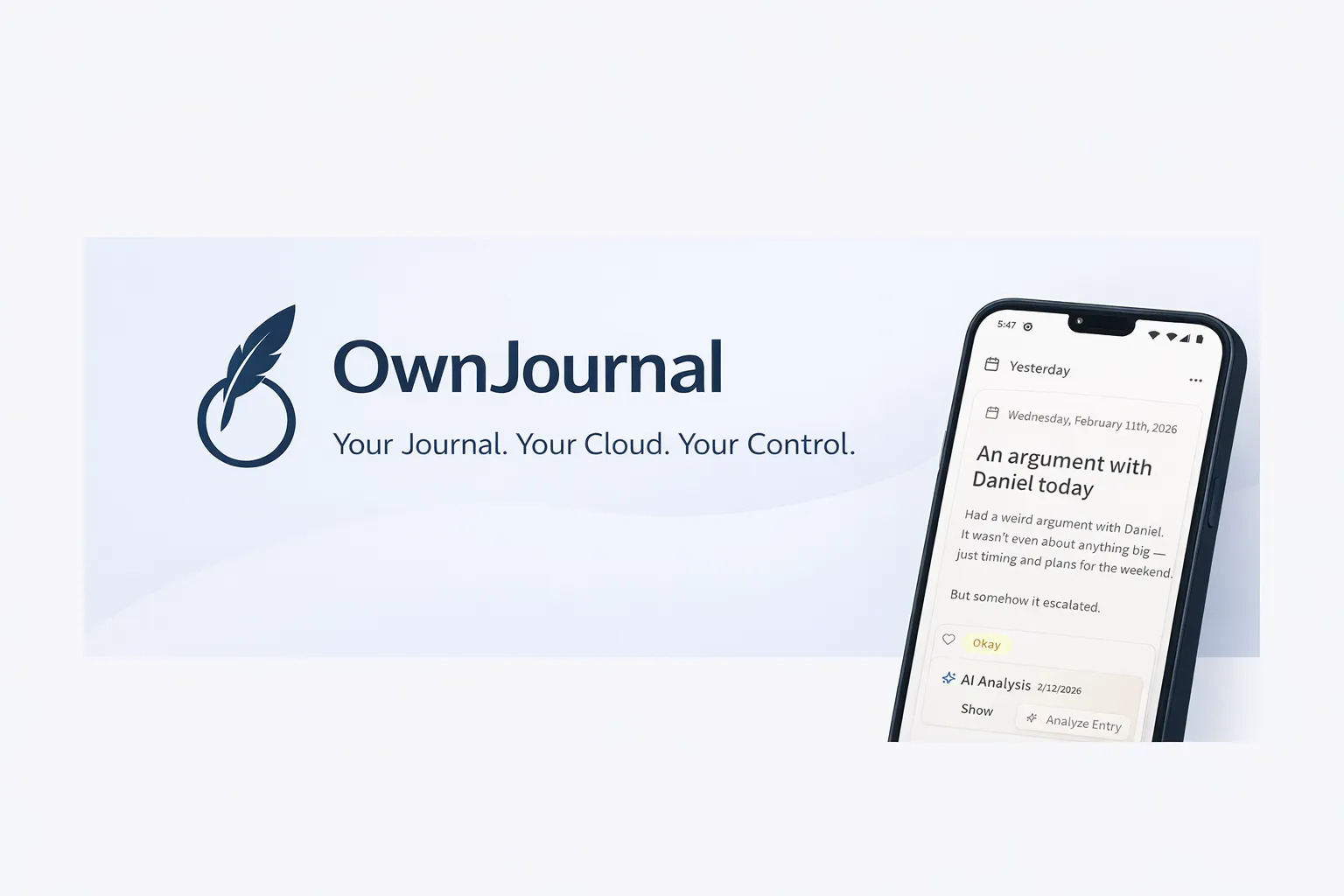
OwnJournal is a privacy-first journaling app built on a bring-your-own-storage model. Your entries do not go to OwnJournal’s servers; they live in your Google Drive, Dropbox, Nextcloud, or iCloud account. Optional end-to-end encryption protects that cloud copy when you enable it. The app is fully open source under the AGPL-3.0 licence, so the implementation can be inspected independently.
The standout feature is Trend Analysis — and it is more sophisticated than the name suggests.
OwnJournal first analyses each journal entry individually, extracting dominant emotions, recurring topics, a sentiment score, and writing patterns. That per-entry analysis and its metadata stay on your device. When you run a Trend Analysis, the app aggregates the metadata into time buckets and sends only those aggregated statistics—not the raw entry text—to synthesise a narrative insight.
The output is a structured period review: an overall mood trend, three to five actionable observations, suggested focus areas, and a closing reflection. You choose the date range — the last 30 days, 90 days, the full year, or a custom window. The analysis requires at least eight entries and is rate-limited to once per week, which positions it as a deliberate weekly practice rather than a dopamine-loop feature.
OwnJournal keeps raw entries in your own cloud and performs entry analysis locally. Turn on its optional E2EE if you also need the cloud provider to receive only ciphertext.
A companion feature, Activity-Mood Correlations, statistically identifies which logged activities (across 15 categories) correlate with better or worse mood. This is computed entirely on-device — no AI call involved.
The free tier includes unlimited entries, optional end-to-end encryption, mood tracking statistics, and multi-device sync with no device limit. Plus features — Trend Analysis, per-entry AI analysis, and Activity-Mood Correlations — require the $19.99 per year plan. That is the lowest AI price in this comparison by a meaningful margin.
OwnJournal runs on Android, Web, iOS (iPhone & iPad), and Desktop.
| ✅ Strengths | ⚠️ Watch out for |
|---|---|
| Local entry analysis; raw text stays off OwnJournal servers | Newer app with a smaller user community |
| Cheapest AI tier in this comparison ($19.99/year) | No conversational AI or voice journaling |
| Trend analysis synthesises months of data into narrative insights | Trend Analysis requires 8+ entries to unlock |
| Open source — implementation is publicly inspectable | Free tier has no AI features |
| Bring-your-own-storage — data stays in your own cloud | — |
Best for: Privacy-conscious journallers on Android or desktop who want genuine long-term pattern analysis at the lowest cost.
Skip if: You want back-and-forth conversational AI, or rely on voice journaling.
↓ See OwnJournal in the comparison table
Rosebud — Best Conversational AI Journaling
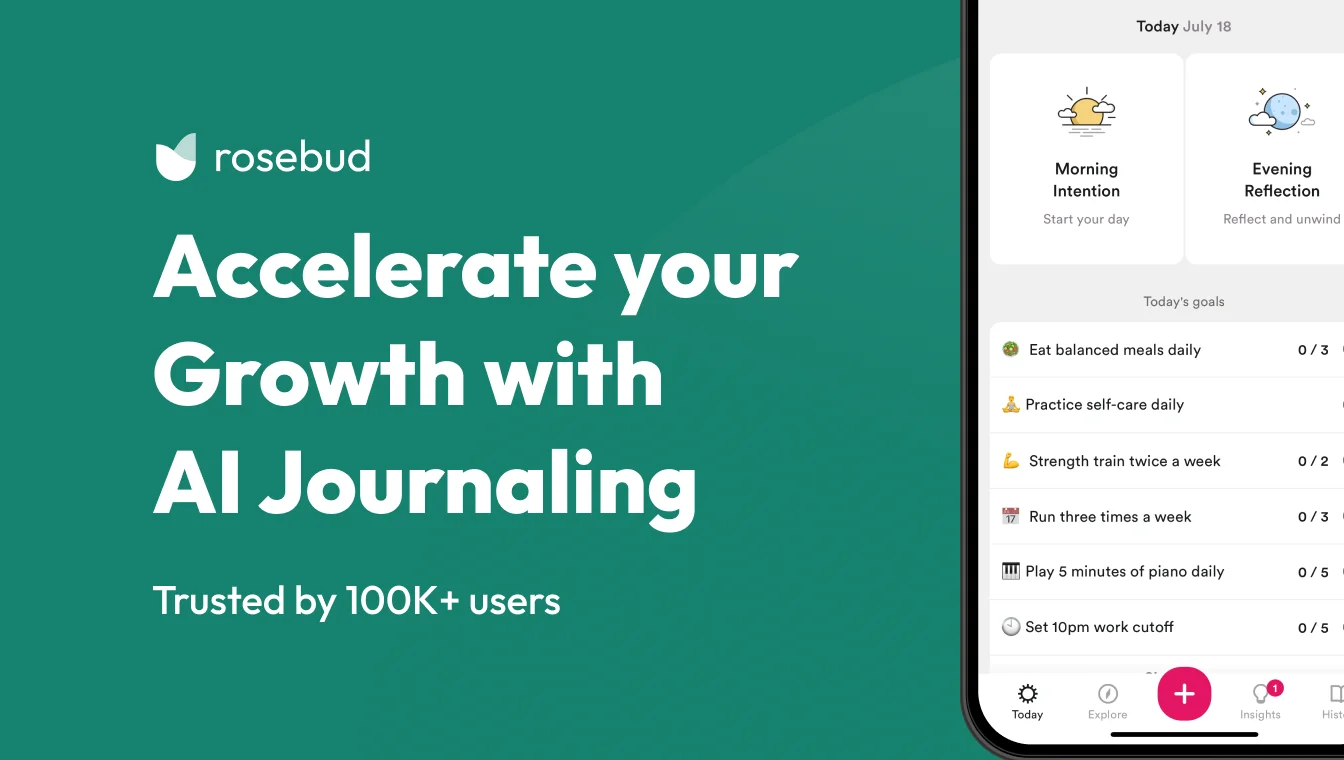
Rosebud is one of the few genuinely AI-first journaling apps. Rather than presenting a blank text box with a handful of static prompts, it conducts an adaptive conversation — asking follow-up questions in real time based on what you write, much like a skilled interviewer drawing out what is really on your mind. Voice journaling is supported in 20 languages, making it one of the most accessible options for non-English speakers.
According to the company, the app raised $6 million in seed funding in 2025, has more than 7,500 paying subscribers, and has processed over 500 million words of journaling data. Those are meaningful signals for a category where many apps disappear within a year.
Rosebud’s privacy approach is notably rigorous for an AI-heavy product. The company states it holds Business Associate Agreements and Zero Data Retention agreements with its AI providers — meaning entries are processed but not retained by the underlying AI infrastructure. It explicitly states that journal entries are not used to train AI models.
The main limitation is price. At $107.99 per year (approximately $9 per month billed annually), Rosebud is among the more expensive options here. The free tier is heavily restricted and functions more as a trial than a sustained free option.
For daily journallers who want the richest AI interaction, the cost is defensible. For occasional users, it is harder to justify.
| ✅ Strengths | ⚠️ Watch out for |
|---|---|
| Adaptive conversational AI — not static prompts | $107.99/year is the second most expensive here |
| Voice journaling in 20 languages | Free tier is significantly limited |
| States it holds ZDR agreements with AI providers | No desktop or offline mode |
| Pattern recognition across entire journal history | — |
Best for: Daily journallers who want a rich, back-and-forth AI experience and are willing to pay for it.
Skip if: You journal occasionally, are on a tight budget, or prioritise zero-knowledge privacy over conversational depth.
↓ See Rosebud in the comparison table
Mindsera — Best for Cognitive Frameworks
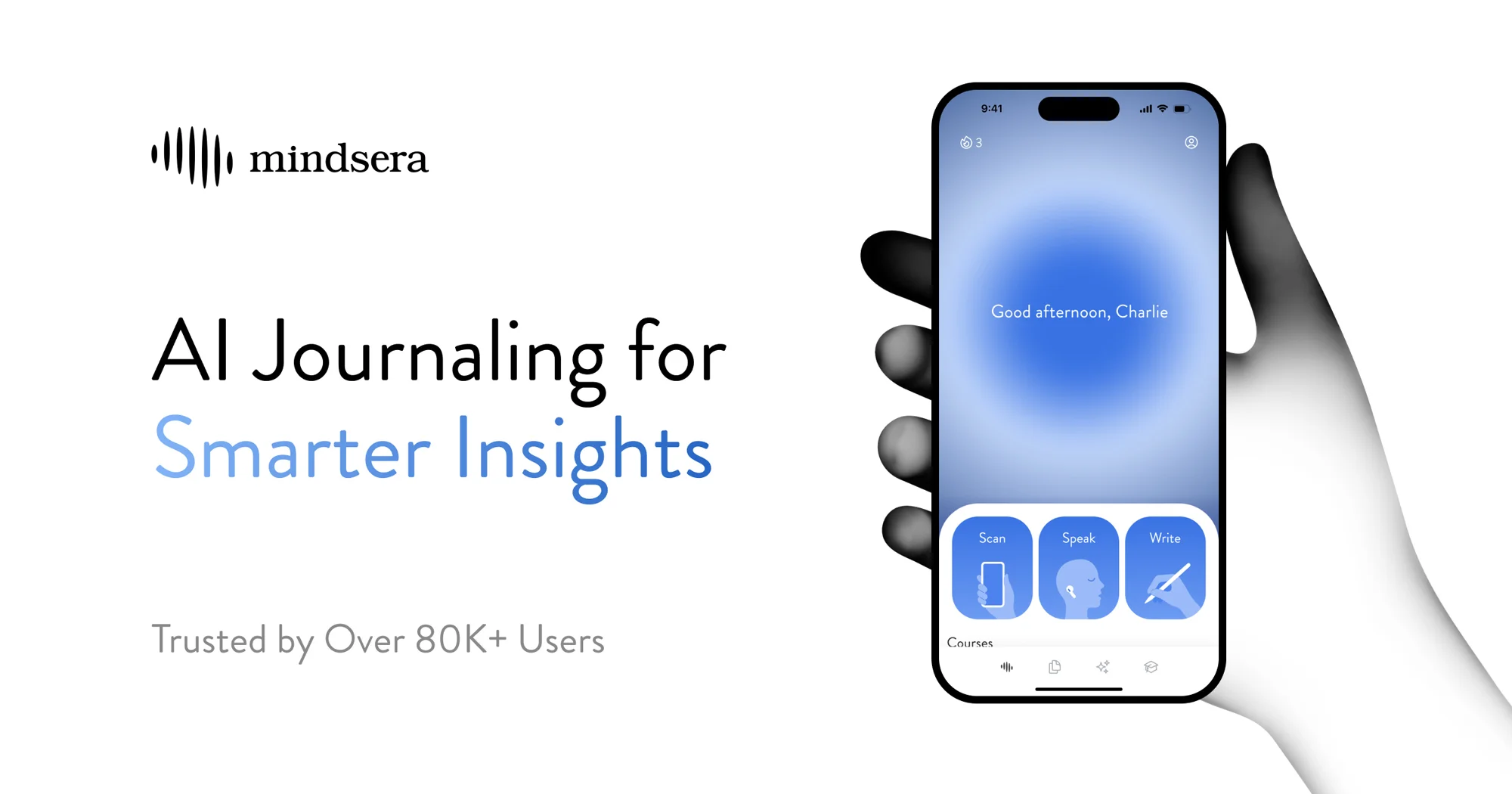
Mindsera takes a deliberately intellectual approach to AI journaling. Where most apps focus on emotional processing, Mindsera is designed for cognitive improvement. It offers more than 50 structured analysis frameworks — First Principles Thinking, Stoic reflection, CBT Cognitive Journaling, Regret Minimisation, and many others — that the AI applies to your entries.
The “AI Minds” feature presents multiple analytical perspectives simultaneously, functioning like a panel of advisors responding to what you have written. AI mentors framed around different philosophical traditions add a further reflective layer.
Mindsera also performs a Big Five personality assessment based on your writing patterns over time — a distinctive feature rarely seen in this category. Voice journaling and physical journal scanning (for paper notes) are available on the paid tier. The company explicitly states that user data is not used to train AI models.
At $129 per year, Mindsera is the most expensive option in this comparison. It is a tool for users who treat journaling as a deliberate intellectual practice rather than a daily emotional outlet.
Mindsera is available on iOS, Android, and Web.
| ✅ Strengths | ⚠️ Watch out for |
|---|---|
| 50+ analytical frameworks — most structured approach here | Most expensive option at $129/year |
| Big Five personality tracking from writing patterns | Steeper learning curve than other apps |
| States it does not train AI on user entries | Can feel clinical rather than emotionally warm |
| Physical journal scanning on paid tier | Voice journaling is paid-only |
Best for: Users who want to use journaling as a structured tool for cognitive improvement and rigorous self-analysis.
Skip if: You want emotional processing and warm AI interaction, prefer conversational AI, or cannot justify the premium price.
↓ See Mindsera in the comparison table
Day One Gold — Best for the Apple Ecosystem

Day One is the most established journaling app in this comparison — a 15-year-old product with over 150,000 five-star App Store reviews, according to Automattic, and an Apple Design Award. It launched its Gold tier with AI features on 8 April 2026, making it the newest AI entrant in this roundup.
The flagship AI feature is Daily Chat: a conversational AI that talks through your day and converts the exchange into a journal entry. Voice mode is available on iPhone and iPad — it converts the spoken exchange directly into a journal entry, bypassing the need to type anything at all.
Go Deeper generates personalised reflection prompts based on what you have just written. Entry Highlights summarises key themes, emotions, and moments from a given entry — useful for longer entries where the main insight is easy to miss.
On the privacy front, Day One states that entries are not used to train AI models and that AI query content is deleted after processing. On Apple Intelligence-supported devices, Go Deeper and select other features can run fully on-device — meaning entries never leave the hardware at all.
The main caveat is ecosystem lock-in. Daily Chat voice mode is currently available on iPhone and iPad only — Android and Mac users get a meaningfully more limited AI experience. The app is available across iOS, Android, Mac, Windows, Web, and Apple Watch.
Our Day One vs Journey head-to-head covers Day One’s core journaling features in depth if you want a fuller picture before committing to the Gold tier.
| ✅ Strengths | ⚠️ Watch out for |
|---|---|
| Most trusted brand — 15-year track record | Daily Chat voice mode: iPhone and iPad only currently |
| On-device AI option via Apple Intelligence | Gold at $74.99/year is a significant jump from Silver |
| States entries are not used for AI training | AI features launched April 2026 — still being refined |
| Best multimedia journaling (photos, video, audio, location) | AI is a layer added to a pre-existing product |
| Available on Apple Watch | — |
Best for: iPhone and Mac users who want AI features built into a polished, established journaling app.
Skip if: You are primarily on Android, want the deepest AI analysis across entries, or need to minimise spend.
↓ See Day One in the comparison table
Before you keep reading
If privacy is your primary concern when choosing a journaling app, we have a separate deep-dive that compares encryption standards, data access policies, and employee access across the most popular apps.
Reflectly — Easiest to Start With
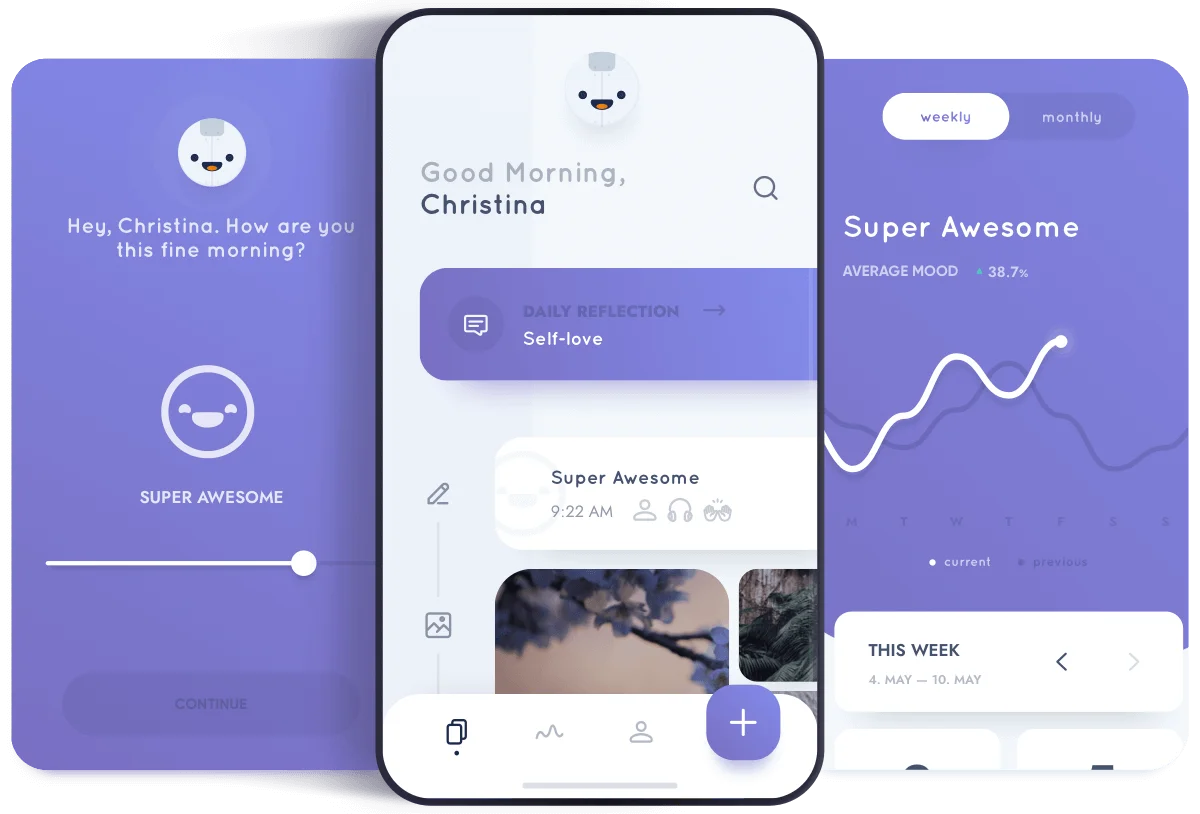
Reflectly launched in 2018 as one of the first apps to use the phrase “AI journaling” in its marketing. Its approach is a structured daily check-in: what happened, how you felt about it, and what you want to carry forward. Positive psychology and CBT principles shape the prompt structure.
The AI in Reflectly is primarily a curated prompt system rather than adaptive analysis. It does not examine patterns across your entries over weeks or generate a narrative insight from your month. What it does well is reduce the friction for people who find a blank journal page paralysing.
Pricing varies by platform and typically falls in the $48 to $60 per year range. The iOS version is noticeably more expensive than the Android version. A lifetime purchase option is sometimes offered via countdown timer — a pricing tactic worth approaching with scepticism.
Reflectly is available on iOS and Android only. There is no web version and no desktop app.
| ✅ Strengths | ⚠️ Watch out for |
|---|---|
| Lowest barrier to start — structured daily format | AI is shallow — no cross-entry pattern analysis |
| Generous free tier | No web or desktop version |
| CBT-informed prompt structure | iOS and Android pricing differ significantly |
| — | Privacy policy not prominently disclosed |
Best for: Beginners who find blank-page journaling daunting and want a guided daily mobile check-in.
Skip if: You want genuine AI analysis of your writing patterns, use desktop or web, or prioritise clearly documented privacy practices.
↓ See Reflectly in the comparison table
Stoic — Best for Guided Philosophical Reflection
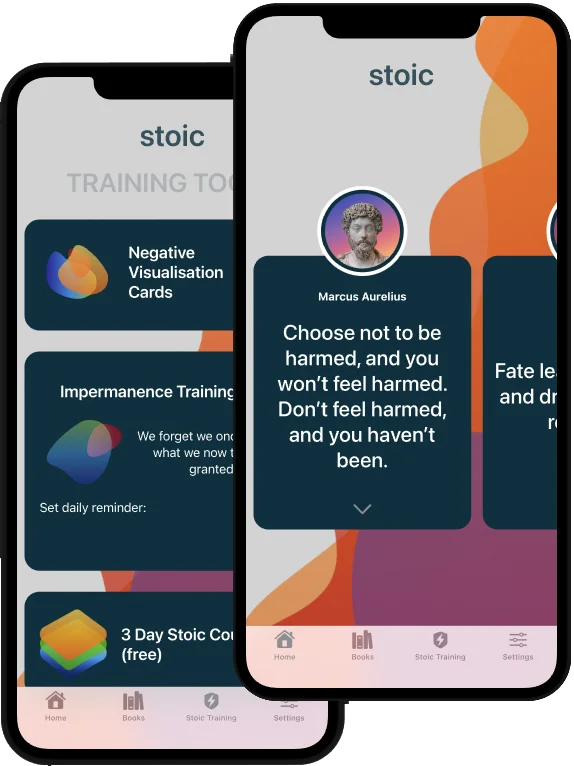
Stoic reports one of the larger followings in the journaling category — over three million users, a 4.8 App Store rating, and recognition as App of the Day in more than 100 countries, according to the company. It combines morning and evening guided reflection with philosophy-based AI prompts and mood-habit tracking.
The AI layer is lighter than the other apps in this comparison. Stoic recently added personalised AI journal generation alongside ten AI-guided mentor prompts from different philosophical perspectives.
The app correlates mood data with tracked habits and activities, surfacing patterns in a visual dashboard. The AI does not conduct conversations or analyse the full text of your entries in depth.
Stoic’s paid tier runs $39.99 per year — above OwnJournal’s $19.99 AI tier but well below Rosebud and Mindsera. The free tier is the more meaningful differentiator: core journaling, philosophy-based guided prompts, and mood tracking are all available without any subscription.
| ✅ Strengths | ⚠️ Watch out for |
|---|---|
| Meaningful free tier — guided prompts and mood tracking at no cost | AI is lighter than Rosebud, Mindsera, or OwnJournal |
| Over three million users, 4.8 App Store rating | Encryption details not prominently documented |
| Philosophy-based guided frameworks: CBT, Stoicism, gratitude | Not suited for deep long-term pattern analysis |
| Available on iOS, Android, macOS, Web, and Apple Watch | — |
Best for: Journallers who want philosophy-based daily reflection and habit tracking, particularly on iOS or macOS.
Skip if: You want deep pattern analysis, conversational AI, or clear public documentation of encryption and data practices.
↓ See Stoic in the comparison table
Apple Journal — Best Free Option for Apple Users
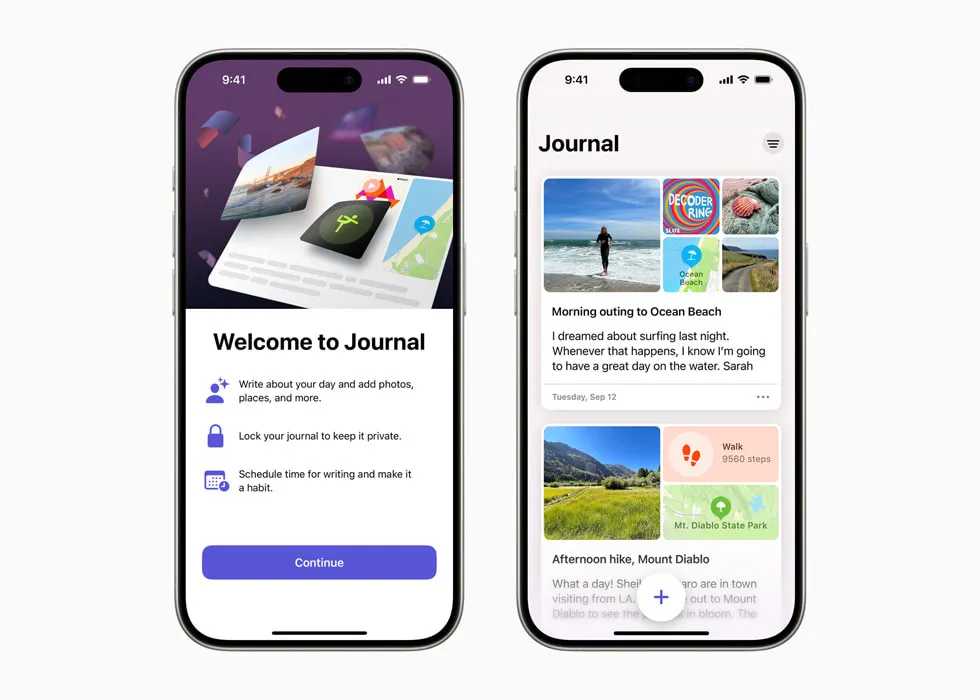
Apple Journal is Apple’s journaling app, available free on iPhone, iPad, and Mac. The iPad and Mac versions launched on 15 September 2025. There is no subscription tier, no upsells, and no premium tier.
Apple Journal’s “AI” is categorically different from every other app in this comparison. It does not read or analyse the text of your journal entries.
Instead, on-device machine learning identifies activity data from your iPhone — runs logged in Health, photos from the day, music you listened to, places you visited — and surfaces these as suggestions for what to write about. Your entries are never processed by any language model.
This is activity-based prompting, not entry analysis. Apple Journal can log State of Mind and show writing statistics and streaks in Insights, but it does not use entry text to identify themes across your writing.
What it does is reduce the blank-page problem: it shows you something real that happened in your day and asks if you want to write about it. Apple says Journaling Suggestions are generated on-device. Journal data synced through iCloud is end-to-end encrypted under standard data protection when two-factor authentication and a device passcode are enabled; Advanced Data Protection is not required.
For a completely free product, that is genuinely useful — just be clear-eyed that this is a different category of feature from the AI in OwnJournal, Rosebud, or Day One Gold.
The hard limitation is platform. Android users cannot use Apple Journal.
| ✅ Strengths | ⚠️ Watch out for |
|---|---|
| Completely free — no subscription | Apple devices only — no Android |
| Suggestions generated on-device | No analysis of journal text across entries |
| Deep iPhone integration (photos, workouts, music, location) | No web version or Windows support |
| — | Does not read or analyse your journal text |
Best for: iPhone, iPad, and Mac users who want a free, private journaling app with intelligent daily suggestions and no ongoing cost.
Skip if: You use Android or Windows, need cross-entry analysis or long-term pattern recognition, or want to journal across Apple and non-Apple platforms.
↓ See Apple Journal in the comparison table
How These AI Journaling Apps Compare
| App | Price/year | AI depth | Platforms | Voice | Trains on entries |
|---|---|---|---|---|---|
| OwnJournal | Free / $19.99 | Trend & mood analysis | Android, Web, iOS, Desktop | No | Local analysis; no raw-entry upload |
| Rosebud | Free / $107.99 | Conversational, adaptive | iOS, Android, Web | Yes (20 languages) | States: No |
| Mindsera | Free / $129 | Framework analysis, Big Five | iOS, Android, Web | Paid tier only | States: No |
| Day One Gold | Free / $74.99 | Entry analysis + Daily Chat | iOS, Android, Mac, Win, Web, Apple Watch | iPhone/iPad only | States: No |
| Reflectly | Free / ~$48–60 | Guided prompts (light) | iOS, Android | No | Not disclosed |
| Stoic | Free / $39.99 | AI prompts + mood correlation | iOS, Android, macOS, Web, Apple Watch | No | Not disclosed |
| Apple Journal | Free | Activity-based prompts (not entry analysis) | iPhone, iPad, Mac | No | Apple does not analyse entry text for this feature |
Which AI Journaling App Should You Choose?
The choice usually narrows quickly once you consider platform and privacy together.
If you use an iPhone and want a free option with no subscription, Apple Journal is the obvious starting point. If you want deeper AI analysis and are willing to pay, Day One Gold is the most polished choice on iOS — though its AI features are brand new as of April 2026.
If you use Android or want cross-device access, OwnJournal and Rosebud are the strongest options. OwnJournal wins on privacy and price; Rosebud wins on conversational depth and voice journaling.
If privacy is the deciding factor, OwnJournal combines local entry analysis with bring-your-own-storage, so raw journal text does not need to reach OwnJournal’s servers. Its E2EE is optional rather than automatic, so enable it if protection from the connected cloud provider or cloud-account access is part of your threat model. Our journaling app privacy guide explains the technical differences in detail.
If you want the richest AI experience and cost is secondary, Rosebud’s conversational depth and Mindsera’s analytical frameworks are the most sophisticated in this comparison.
If budget is the constraint, OwnJournal at $19.99 per year is the cheapest AI tier in this comparison — the clear choice if you are on Android. Stoic at $39.99 per year is the next most affordable and covers iOS, Android, and macOS.
Our guide to the best journaling apps overall covers non-AI options if you are not yet convinced that AI adds enough value for your journaling practice.
Frequently Asked Questions
What is the best AI journaling app in 2026?
It depends on your platform and priorities. OwnJournal is the strongest pick for Android and desktop users who want low-cost trend analysis with local processing and their own cloud storage.
Rosebud leads on conversational AI depth with adaptive follow-ups. Day One Gold is the most polished choice for iPhone and Mac users.
Are AI journaling apps private?
Privacy varies widely. OwnJournal stores entries in your own cloud and performs its entry analysis locally; optional end-to-end encryption protects the cloud copy when enabled. Apple Journal generates Journaling Suggestions on-device; Journal data synced through iCloud is end-to-end encrypted under standard data protection when two-factor authentication and a device passcode are enabled. Rosebud and Mindsera state they do not use entries to train AI. Stoic and Reflectly do not prominently disclose their data practices.
What is the best free AI journaling app?
Apple Journal is completely free with on-device activity-based suggestions on iPhone, iPad, and Mac. OwnJournal’s free tier includes unlimited journaling with optional end-to-end encryption, though AI features require the Plus plan at $19.99 per year. Stoic and Reflectly also offer meaningful free tiers with AI-guided prompts.
Do AI journaling apps use my entries to train their AI?
The leading apps say they do not. OwnJournal performs per-entry analysis locally and does not send raw journal text to its servers.
Rosebud, Mindsera, and Day One Gold all state they do not use entries for AI training. Stoic and Reflectly do not prominently disclose their policies on this question.
Which AI journaling apps work on Android?
OwnJournal, Rosebud, Mindsera, Reflectly, and Stoic all support Android. Day One Gold has limited Android AI support — its Daily Chat voice mode is currently available on iPhone and iPad only. Apple Journal does not support Android.
How is AI journaling different from regular journaling?
Regular journaling is entirely self-directed. AI journaling apps add pattern recognition across your entries, personalised prompts based on what you have written, and synthesis of weeks or months of data into actionable insights. The most useful AI features are not the ones that write for you, but the ones that help you notice patterns in your own writing.
Start today: pick one app from this list based on your platform and budget — OwnJournal if you are on Android and value privacy, Apple Journal if you use Apple devices and want free, Rosebud if you want the richest AI conversation. Write three entries this week. The trend analysis and pattern recognition features only become meaningful once you have a body of entries to work with — the sooner you start, the sooner the patterns become visible.