Paper Journal vs Digital App: Which Is Better for You in 2026?
Paper journal vs digital app — which is better? We break down the research, the trade-offs, and who should choose what.
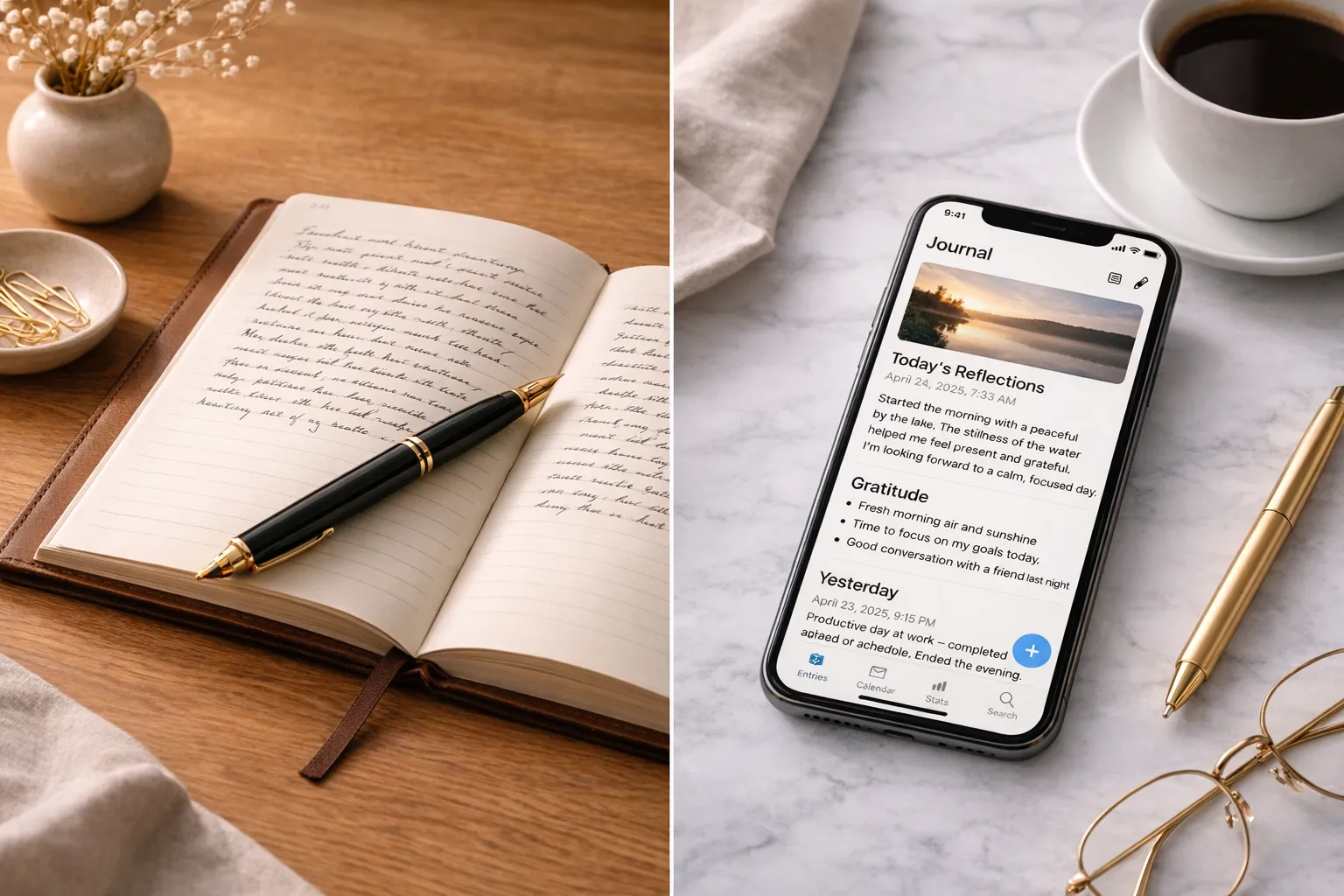
Paper journal vs digital app—neither is universally better. The right choice depends on your purpose, access needs, workflow, and threat model. Research does not establish that handwriting deepens journal reflection, and an app is not automatically more secure merely because it supports a password or cloud sync.
After years of reviewing journaling tools and talking to people about their practice, one thing is clear: the medium matters, and digital is not always the right answer. Below, we break down the evidence and the trade-offs so you can decide for yourself.
The Case for Paper
1. No Notifications
When you open a paper journal, the notebook itself cannot send a notification. Some people find that separation helpful; research has not shown that picking it up switches the brain into a special reflective mode.
With an app, you’re one swipe away from email, social media, and every other attention trap on your phone.
2. The Handwriting Effect
A 2024 EEG study by Van der Weel and Van der Meer compared participants writing words with a digital pen and typing them. It reported different connectivity patterns during the tasks. The study did not ask people to journal, test the thoughtfulness of reflection, or measure whether handwritten entries were remembered better. It cannot establish a journaling advantage.
3. Intentional Friction
Apps optimise for speed and convenience. But journaling is not always better when it is faster.
The friction of finding a notebook and writing by hand may feel deliberate, or simply inconvenient. A 2014 study by Mueller and Oppenheimer compared longhand and laptop lecture notes, not journals. Its proposed transcription account and conceptual-question results do not show that slowing down deepens personal reflection, and later replication work has complicated the simple “longhand wins” headline.
4. No Subscription Fees
A good notebook costs $15 and lasts months. No premium tier, no feature gates, no surprise price increases.
The Case for Apps
But paper isn’t perfect. Apps win in several important areas:
- Searchability: Finding a specific entry from three years ago is trivial in an app, nearly impossible in a stack of notebooks.
- Configurable security: Some apps offer device locks and E2EE, but protection depends on settings, storage, accounts, backups, recovery, and endpoints. A notebook faces different physical-access risks. See our guide to journaling app privacy.
- Multimedia: Photos, audio recordings, and location data add context that paper can’t.
- Backup: Apps can automate copies, while notebooks can be scanned or copied manually. Every extra copy adds a location to secure, and cloud sync is not the same as a tested backup and restore.
- Accessibility: For people with certain physical disabilities, typing may be easier than writing by hand.
Who Might Prefer Paper
Paper may be worth trying for:
- People who struggle with phone addiction or screen time
- People who personally value the physical writing process; this preference is not proof of a therapeutic advantage
- People who already have too many apps and subscriptions
- People who journal primarily for emotional processing rather than life logging — if that sounds like you, our comparison of free writing vs guided journaling can help you pick a method
Who Might Prefer Apps
Apps may be worth trying for:
- People who travel frequently and don’t want to carry a notebook
- People who want to include photos and other media in their entries
- People who journal for productivity and goal-tracking
- People who want to search and analyse their entries over time
The Honest Answer
The best journaling tool is the one that gets you to actually write. For some people, that’s a beautiful leather notebook. For others, it’s a polished app with smart reminders.
Try both if practical. There is no validated two-week comparison period; even a few matched entries can reveal differences in friction, access, and privacy. Your preference is a workflow result, not a brain test. If you’re curious about Notion specifically, we have a complete setup guide.
Start this week: write one comparable entry on paper and another in an app. Note what was easier, what was missing, where each copy now lives, and how you would restore or protect it. Repeat only if you need more information.
Frequently Asked Questions
Is handwriting better for journaling than typing?
No direct evidence establishes handwriting or typing as better for journaling. A 2024 EEG study by Van der Weel and Van der Meer compared writing words with a digital pen and typing them; it measured connectivity patterns, not journal reflection, memory performance, or mental-health outcomes. Choose based on comfort, accessibility, search, portability, and privacy.
Are journaling apps secure enough for private writing?
It depends on your threat model and configuration. E2EE can reduce storage-provider access when correctly enabled, but devices, account recovery, backups, exports, sharing, metadata, and app delivery still matter. Paper avoids a cloud provider but can be read, photographed, lost, or damaged. Compare the actual storage and recovery path rather than assuming either medium is private.
What are the main disadvantages of paper journals?
Paper is difficult to search, vulnerable to physical access or damage, and may be inaccessible for some writers. It can be backed up by scanning or copying, although doing so creates new copies to protect. Paper also lacks native audio, automated reminders, and cross-device search.
Can I use both paper and digital journals?
Yes. You might use paper for one context and an app for searchable records, media, or reminders. A hybrid also creates two places to maintain and protect, so decide which material belongs where and how each copy is backed up.